AASTHAe
Link to open source: https://drive.google.com/file/d/1syS9HsSLMOjhpKMgUkAt_-VKKCIHlJyk/view?usp=drive_link
Link to Live Project: https://drive.google.com/file/d/1oyUJBlYHMXHr_HTn3nMM8C9uy-Agkfv_/view?usp=drive_link
AASTHAe
INTRODUCTION
Access to the internet using smartphones is the highest it ever has been. More and more people are getting a smartphone daily.
With the increasing number of smartphones, threats are also increasing.
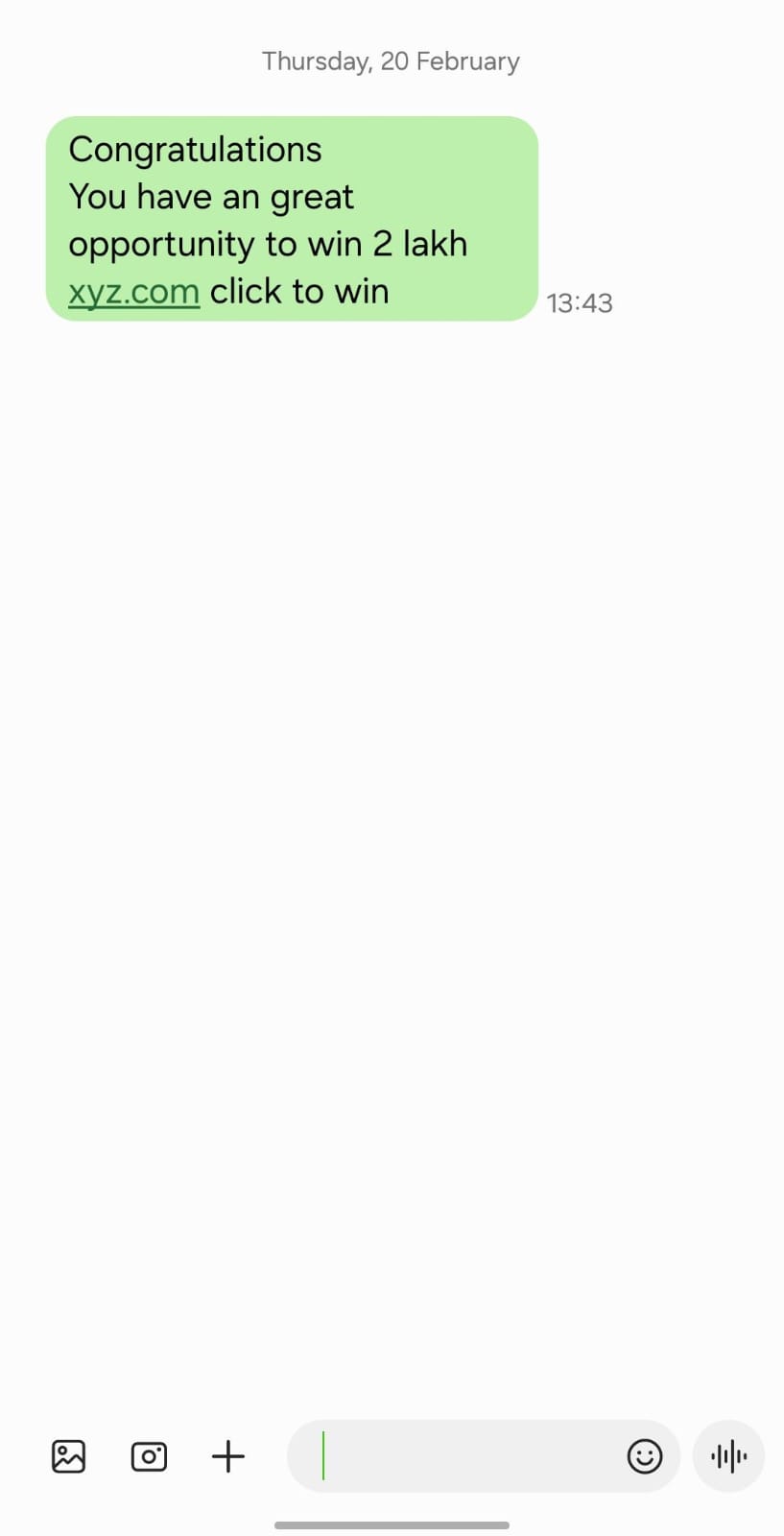
Cyber threats such as phishing are one of the key threats that we face. Most of this phishing is done using LINKS that are unknowingly clicked by the user by his/her unawareness about the same.
So, to help solve the issue of clicking links by mistakenly, we present to you AASTHAe.
AASTHAe stands for Advancement in Android Security Through Highly Adaptable Ecosystem.
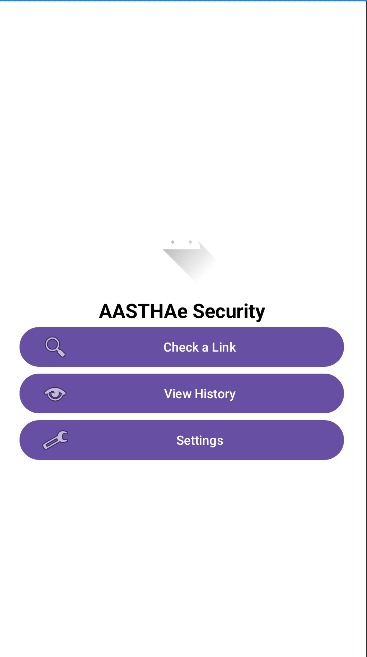
Currently, AASTHAe consists of an ANDROID APPLICATION that acts like a barrier between the app that has received the link and the browser.
We have 2 types of links :
1. Malicious
2. Non-malicious
And these links are sent to us through messaging apps like messages, whatsapp, telegram, etc.
What we have done is that we have create an app where we can check for the malicious links and block it.
Algorithm:
1.Firstly, AASTHAe is installed on the android device.
2.Now, if we try to open the link from any app, AASTHAe will first check the link.
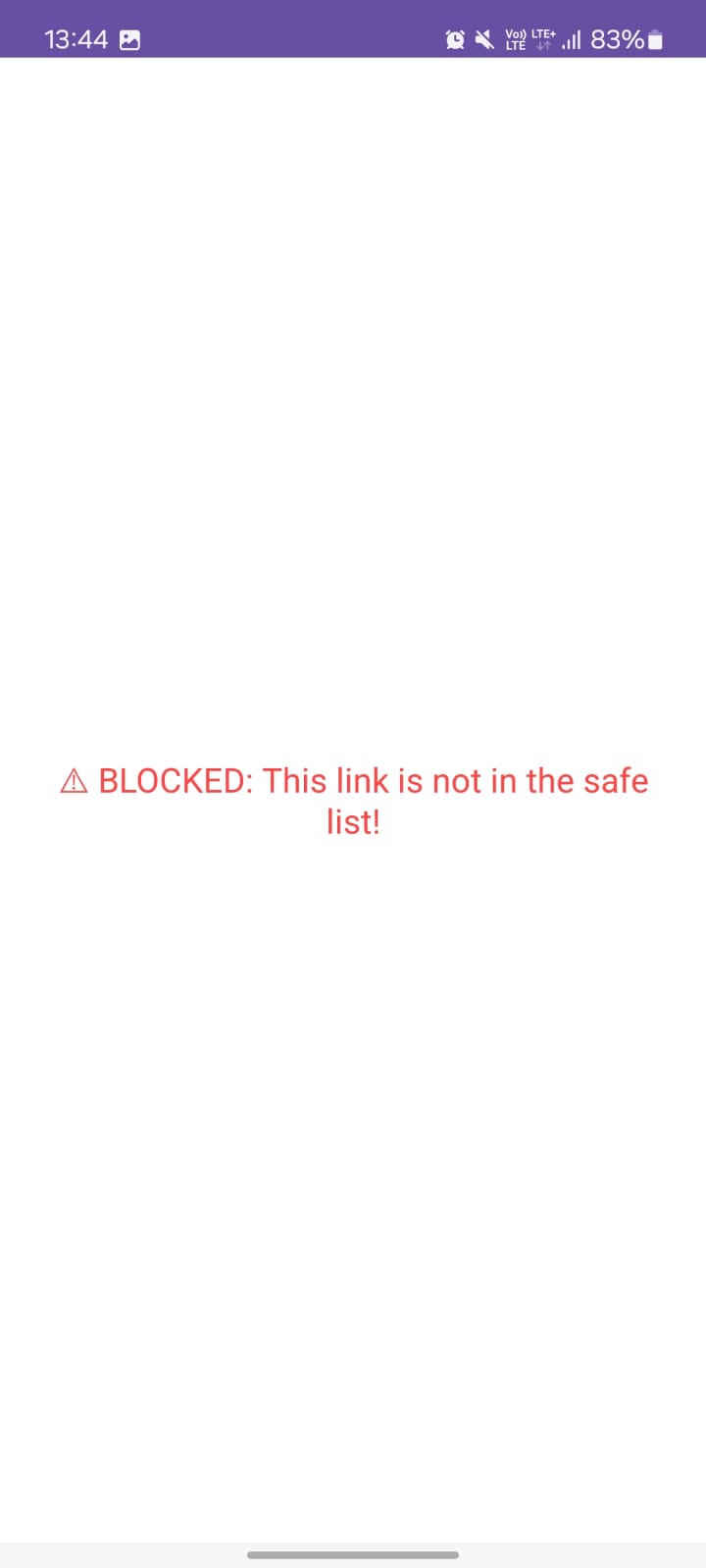
3. If the app finds the link unsafe, it will BLOCK the link from even opening.
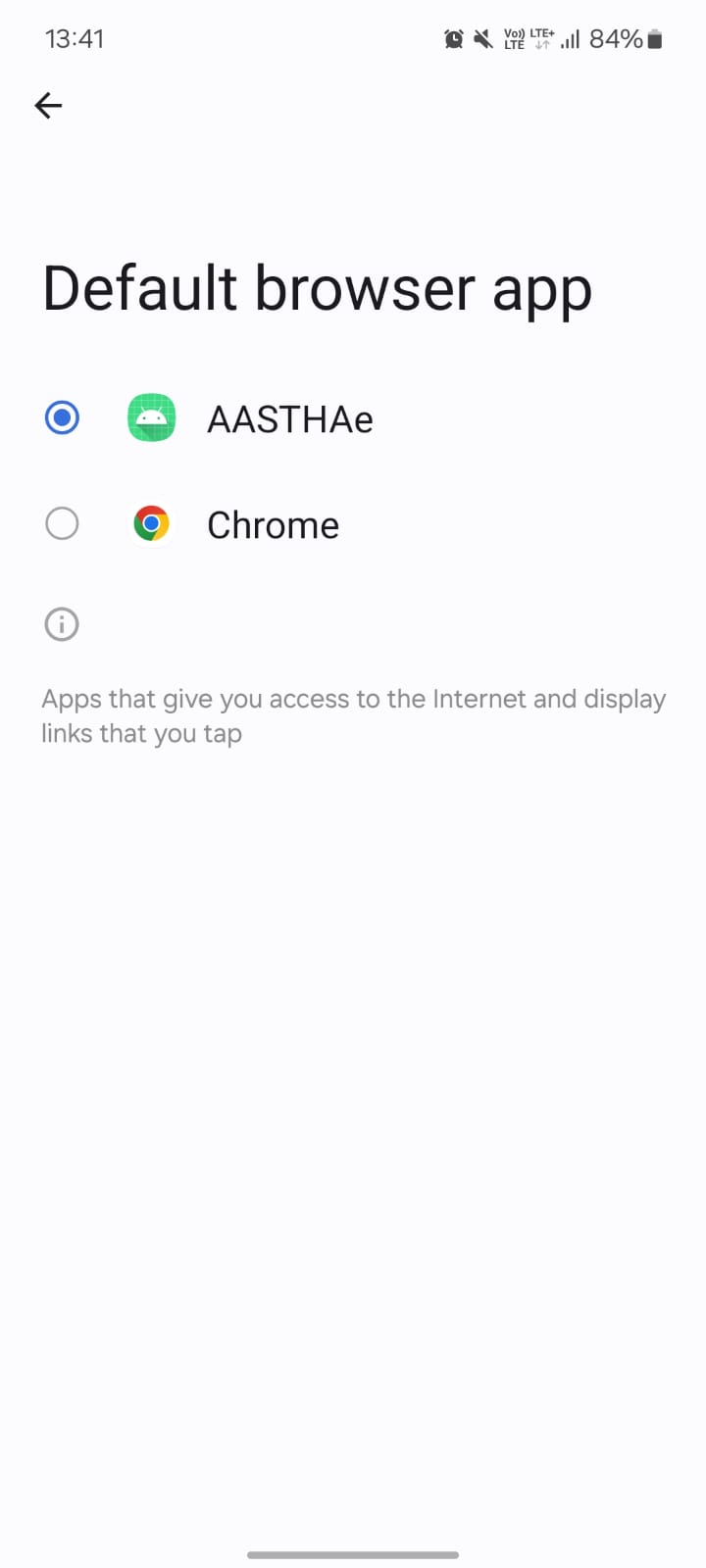
4. If the link is found safe, the link will be opened in a browser that is set by the user.
So, AASTHAe acts like a barrier.
APPLICATION FEATURES:
1. Enter the URL of the link
2. Validate this URL –(check if the format of URL is right like https,.com,.org etc )
3. Extract the domain name, path name (information required) from URL
4. Check this URL or domain against online blacklist
5. Checking can be done by posting or sending the URL to Api’s such as URLVOID or google Safe Browsing
6. According to the feedback received we will be able to determine whether the link is malicious or not
7. //Further with detailed knowledge it can be automated using AI-based Detection: Use machine learning to analyze URL patterns and predict malicious behavior.
The idea is simple to search for the link in a database and define the safety of a link.
HOW ARE WE DEFINING THE LINKS
Integrating Google Safe Browsing API for AASTHAe
A Google API Key is a unique identifier that allows the app to securely access Google's services, such as:
Safe Browsing API – To check if a URL is dangerous.
Maps API – For location-based services.
Firebase API – For authentication, databases, and cloud functions.
It acts as a password for the app when using Google's APIs.
This API helps us check if a URL is phishing, malware, or unsafe.
BY this way, we can check if the link is safe or not by the integration of google’s API
FUTURE SCOPE:
Currently, we are using Google’s API to check the link by accessing the database of google.
For the next update, we will change this by implementing machine learning.
A model will be trained by us to judge the link.This way, we can reduce the response time as well as new links can be defined by the model itself in real time.
Using AI/ML for URL Prediction in AASTHAe
Instead of just relying on a static list or an API, we can use Machine Learning (ML) to classify links as safe or unsafe based on patterns seen in phishing and malware URLs.
EXAMPLE:
Currently it is under study, but to give u an example on how we can train the model, please refer to this:
A link can be defined on the basis of:
-
Length of URL – Phishing links are usually longer.
-
Number of special characters (., -, _, @)
-
Presence of HTTP vs. HTTPS – Phishing sites often lack HTTPS.
-
Use of URL shorteners – bit.ly, tinyurl.com, etc.
-
Domain age – New domains are more likely phishing.
|
URL |
Label |
|
google.com |
Safe |
|
banking-login-secure.com |
Phish |
|
bit.ly/2F1xDgB |
Malicious |
To train the model, we can use various datasets such as:
-
PhishTank– for phishing URLs
-
OpenPhish – real-world phishing links
-
Kaggle datasets like Malicious URLs Dataset
Each of them consists a table with “URL” and “LABEL” as shown above.
CONCLUSION:
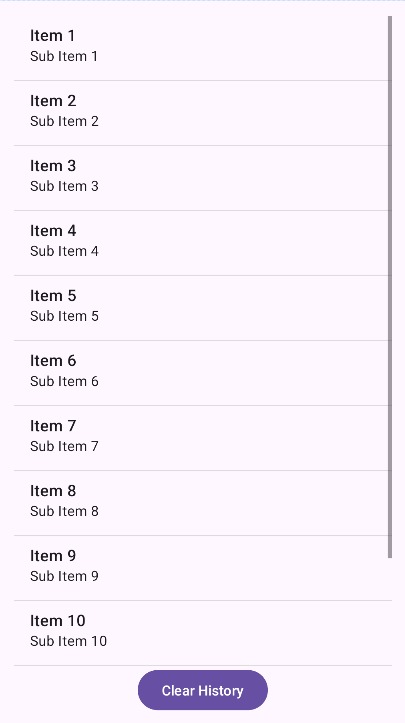
The AASTHAe project is designed to enhance online security by intercepting and analyzing URLs accessed on a user's device, ensuring protection against phishing, malware, and other malicious threats. By integrating Google Safe Browsing API, the app provides real-time detection of harmful links, while an AI/ML-based prediction model further strengthens security by identifying suspicious patterns in URLs. Additionally, AASTHAe improves user engagement with an intuitive dashboard, local storage for checked links history, and a feedback system for refining detection accuracy. With a focus on both reliability and user experience, AASTHAe aims to offer a seamless and proactive defense mechanism against online threats, making browsing safer and more secure.
This build was uploaded as a hackathon project


