AI Image Analysis -> Caption -> Text2Speech
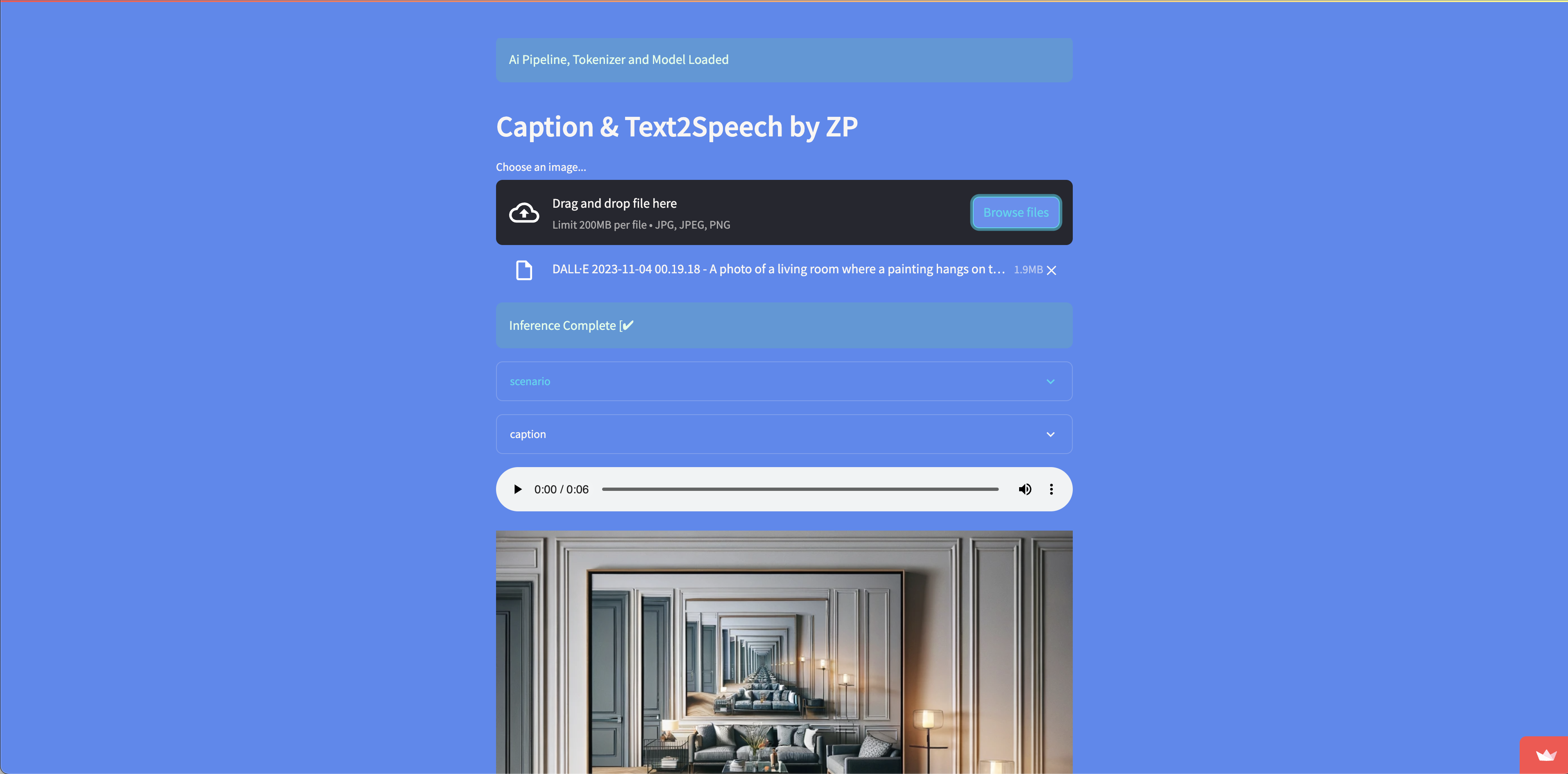
Link to open source: https://github.com/engagepy/hf_img_analysis_captioning
Link to Live Project: https://image-cap.streamlit.app
Image Analysis and Captioning for Instagram
Deployed @ image-cap.streamlit.app
Using HuggingFace's transformers library for:
- Image Analysis
- Generate captions alinged for social media
- Save audio as a
.wavfile in working directory
Installation
- Make a new directory in terminal
mkdir <new-directory> - Navigate into the new directory
cd <new-directory> - Create virtual environment
python3 -m venv venv - Activate virtual environment (mac os/linux)
source venv/bin/activateWindows:venv\Scripts\activate.bat - Clone the repository
git clone https://github.com/engagepy/hf_img_analysis_captioning.git - Install the requirements
pip install -r requirements.txt - Create
.envfile and add the following variables
HF_TOKEN=
OPENAI_API_KEY=
HuggingFace link: https://huggingface.co/ OpenAi link: https://platform.openai.com/
Usage
- Put an image in the working directory
- Assign it the function in app.py
generate_story(img2text("<Your-Imag-Name.Extension>")) - Run the script
python app.py
Enjoy
Special thanks to the giants on whose shoulders we progress compoundingly in computing.
- HuggingFace
- OpenAI
- Streamlit
- PyTorch
- TensorFlow
- LangChain

