ARIA - Adaptive Real Time Instructional AI
Link to open source: https://github.com/saksham456456/Aria.git
Link to Live Project: https://aria-co-teacher.vercel.app/
A quick explanation of Project: https://youtu.be/0PwnZ5qvT-M?si=nT46OwMPMRxjiqB4
🧠 ARIA: Voice AI Co-Teacher
What is it? Have you ever been in an online class where the teacher is moving way too fast, half the students are lost, and nobody wants to unmute to ask a question? That’s what I wanted to fix.
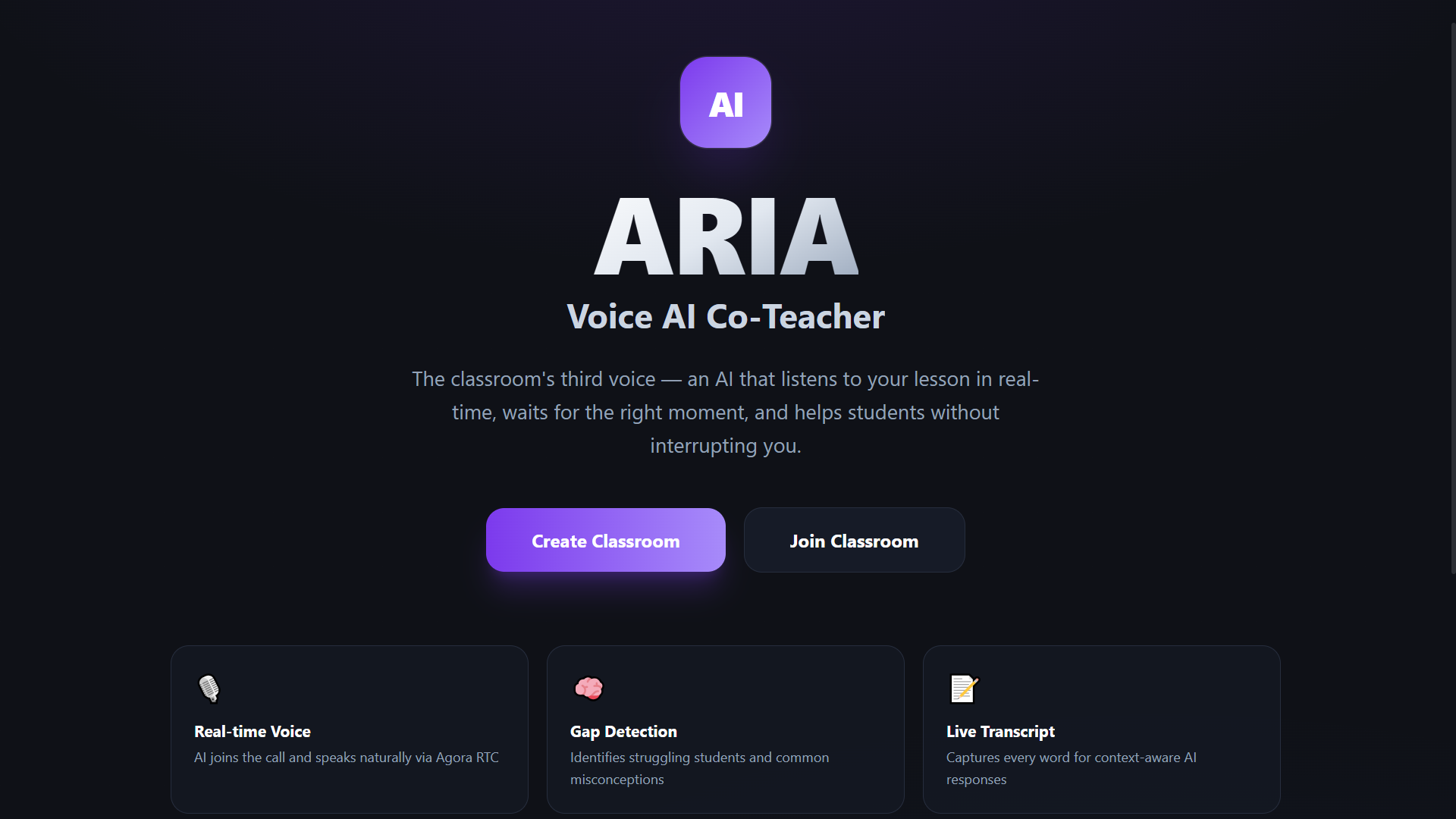
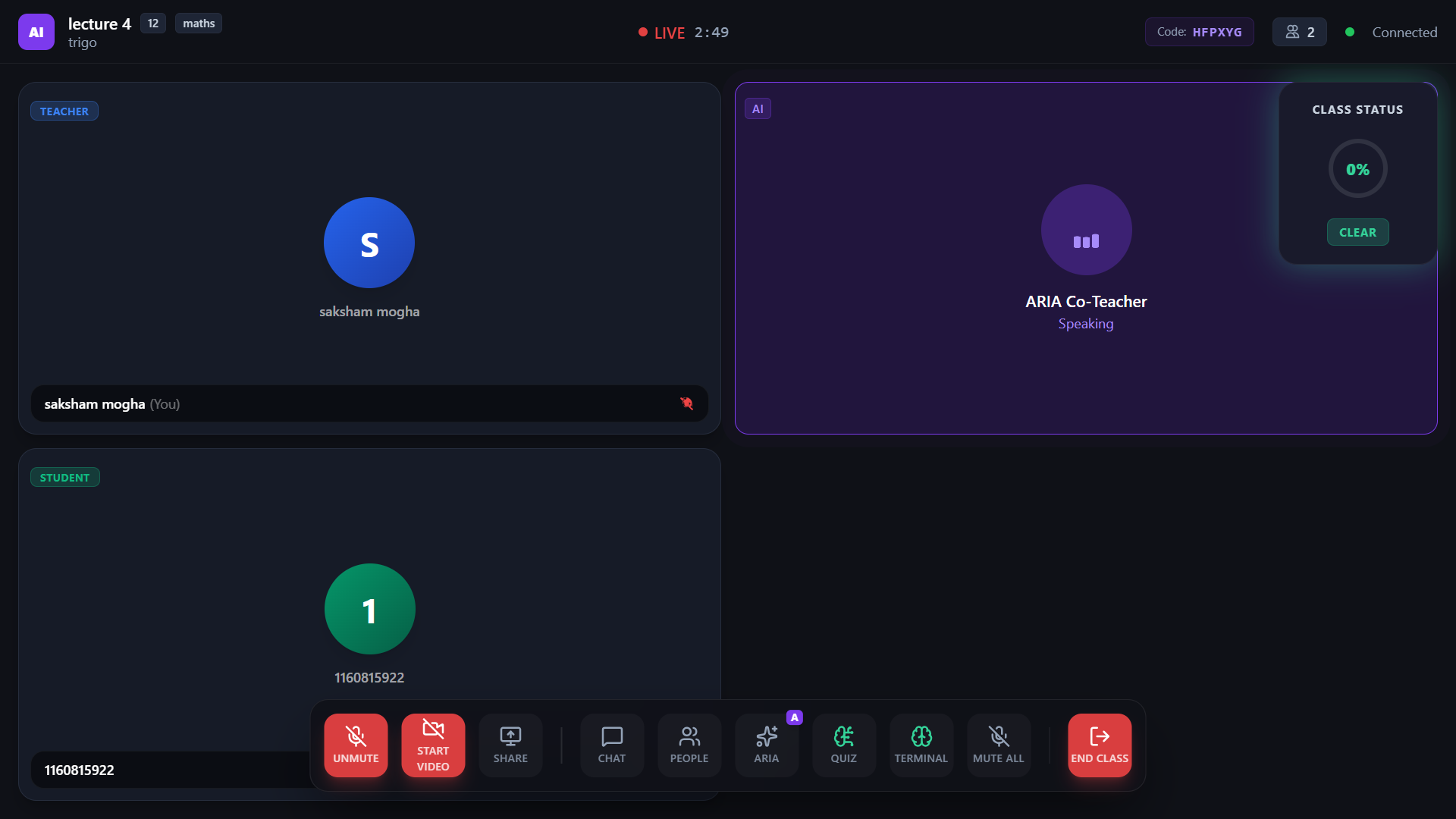
ARIA is an AI co-teacher that literally joins your live video call as a participant. She doesn't replace the human teacher; she acts as a smart, socially-aware teaching assistant. She sits in the meeting, listens to the lesson, and monitors a real-time "Confusion Radar". If she realizes a student is struggling or answers a question incorrectly, she waits for a natural pause and actually speaks up to help them. Using the Socratic method, she guides students with hints rather than just giving away the answer. She can also deploy instant, AI-generated pop quizzes to the class, and give the teacher a summary of learning gaps after the session ends.
How I built it (and why I chose this stack) Building an AI that actually talks in a live meeting is tricky. If the AI is even a second too slow or interrupts the main teacher, it ruins the whole flow. To make it feel natural, I had to architect a highly specialized, low-latency stack:
- The Video & AI Engine (Agora +
agora-agents): I built the entire meeting room on the Agora WebRTC SDK to guarantee low-latency global video. But for the AI, I didn't want to use hacky client-side virtual microphones. Instead, I integrated the brand new Agora Conversational AI Engine. When the teacher invites ARIA, the backend spins up a native agent on Agora's servers that joins the call directly. This eliminates client-side processing bottlenecks and drops voice-to-voice latency below 500ms. - The Voice Brain (Deepgram + GPT-4o + MiniMax): Inside the Agora agent pipeline, I chained together Deepgram (
nova-3) for lightning-fast speech-to-text, GPT-4o-mini for reasoning, and MiniMax for natural text-to-speech. To stop the AI from awkwardly interrupting the teacher, I engineered a strict "Decision Tree" algorithm into her prompt. She knows exactly when to speak and when to remain perfectly silent (which she achieves by outputting a hidden hyphen-to gracefully skip her turn in the TTS engine). - Instant Features (Groq + Supabase): I needed extreme speed for the classroom features. I hooked the backend up to Groq (
llama-3.3-70b-versatile) because their inference speeds are insane. The teacher can click a button, and Groq instantly reads the last 5 minutes of the classroom transcript, generates a multiple-choice pop quiz, and fires it through Supabase Realtime WebSockets to auto-spawn on every student's screen simultaneously. - The Frontend (Next.js + Tailwind): I wrapped the whole thing in a Next.js 14 App Router. I spent a lot of time on the UI with Tailwind CSS, using frosted glassmorphism to make it feel like a polished product. I also built a glowing "Live Confusion Radar" that animates when students use friction words, and a cyberpunk "Agent Brain Terminal" so the teacher can see exactly what the AI is thinking in real-time.
It was a massive engineering challenge to get all these real-time systems (WebRTC, Edge AI, and WebSockets) perfectly in sync—especially writing the backend logic to force the AI to subscribe to students who join the call late—but seeing ARIA jump into the voice call and patiently help a student made it totally worth it!
Purpose
-
ARIA serves as a real-time AI co-teacher specifically built for online classrooms.
-
Instead of acting as a separate dashboard or a standard chatbot, it functions as an active participant—the classroom's "third voice"—that joins the same live communication environment as the teacher and students.
Goals
-
Selective Intervention: ARIA listens to the live conversation and uses a Socratic teaching style to briefly intervene with hints or questions only when a student struggles or a question goes unanswered, purposely avoiding constant interruptions.
-
Real-time Confusion Tracking: It monitors the transcript to surface a live "confusion radar," helping the teacher immediately identify learning friction.
-
Live Assessment: It empowers teachers to instantly generate multiple-choice pop quizzes based on the most recent five minutes of class dialogue.
-
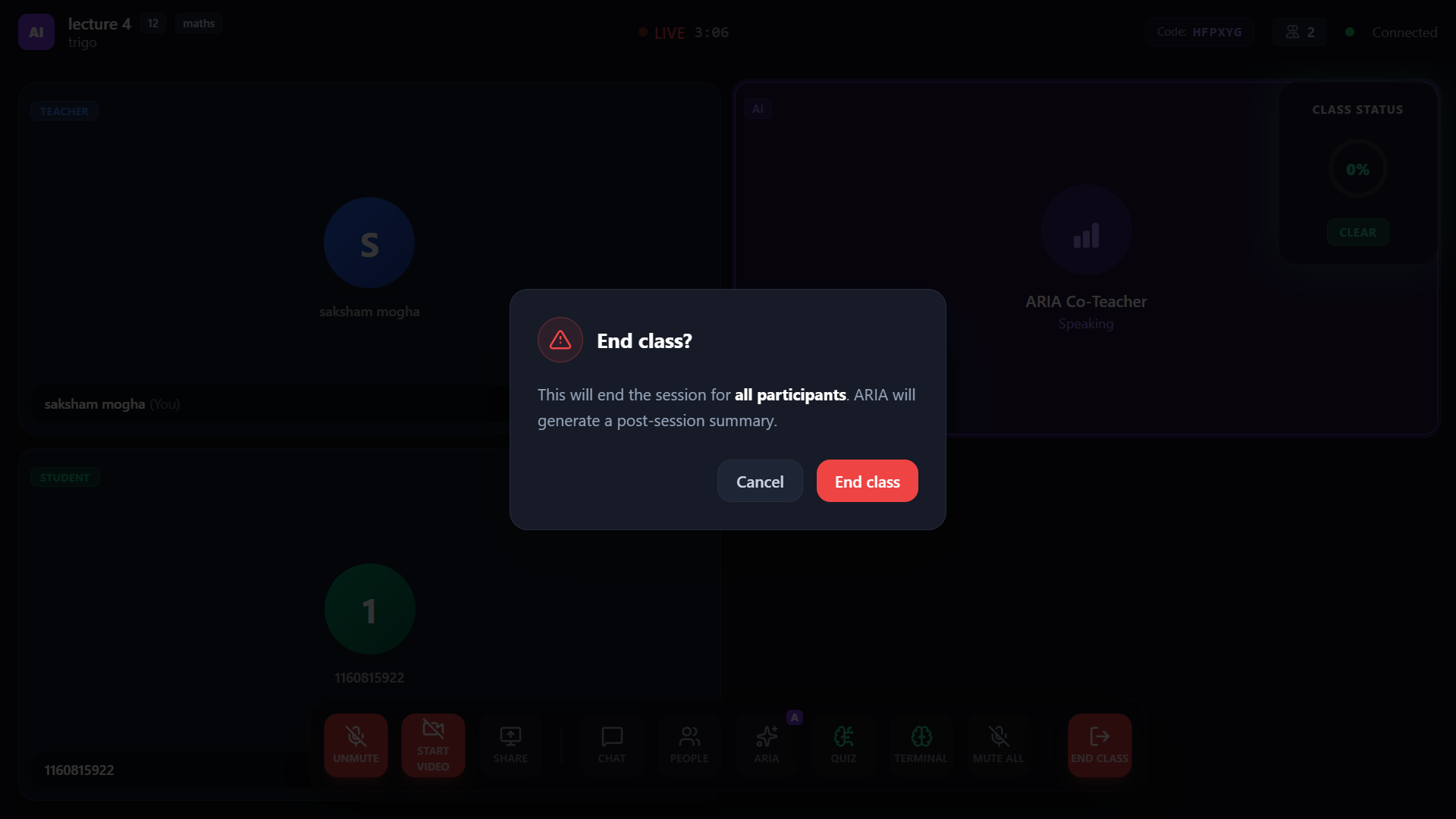
Post-Class Intelligence: When the session concludes, ARIA generates a pedagogical report for the teacher, detailing the topics covered, identifying specific student learning gaps, and offering actionable teaching recommendations.
This build was uploaded as a hackathon project

