ASI1 MCP CLI
Link to open source: https://github.com/gautammanak1/asi1-mcp-cli
Link to Live Project: https://pypi.org/project/asi1-mcp-cli/
ASI1 MCP CLI
What is it?
A command-line tool that lets you talk to AI using normal language. No need to write complex code or JSON - just type what you want to know.
Installation
Run this command in your terminal:
pip install asi1-mcp-cli
Setup Steps
- Make a folder for settings:
mkdir -p ~/.asi1
- Copy the example settings file:
cp $(python -c "import asi1_mcp_cli; import os; print(os.path.join(os.path.dirname(asi1_mcp_cli.__file__), '..', 'asi1-mcp-server-config-example.json'))") ~/.asi1/config.json
- Edit your settings:
nano ~/.asi1/config.json
You need to add:
- Your ASI:One API key
- Your Brave Search API key (if you want web search)
How to Use
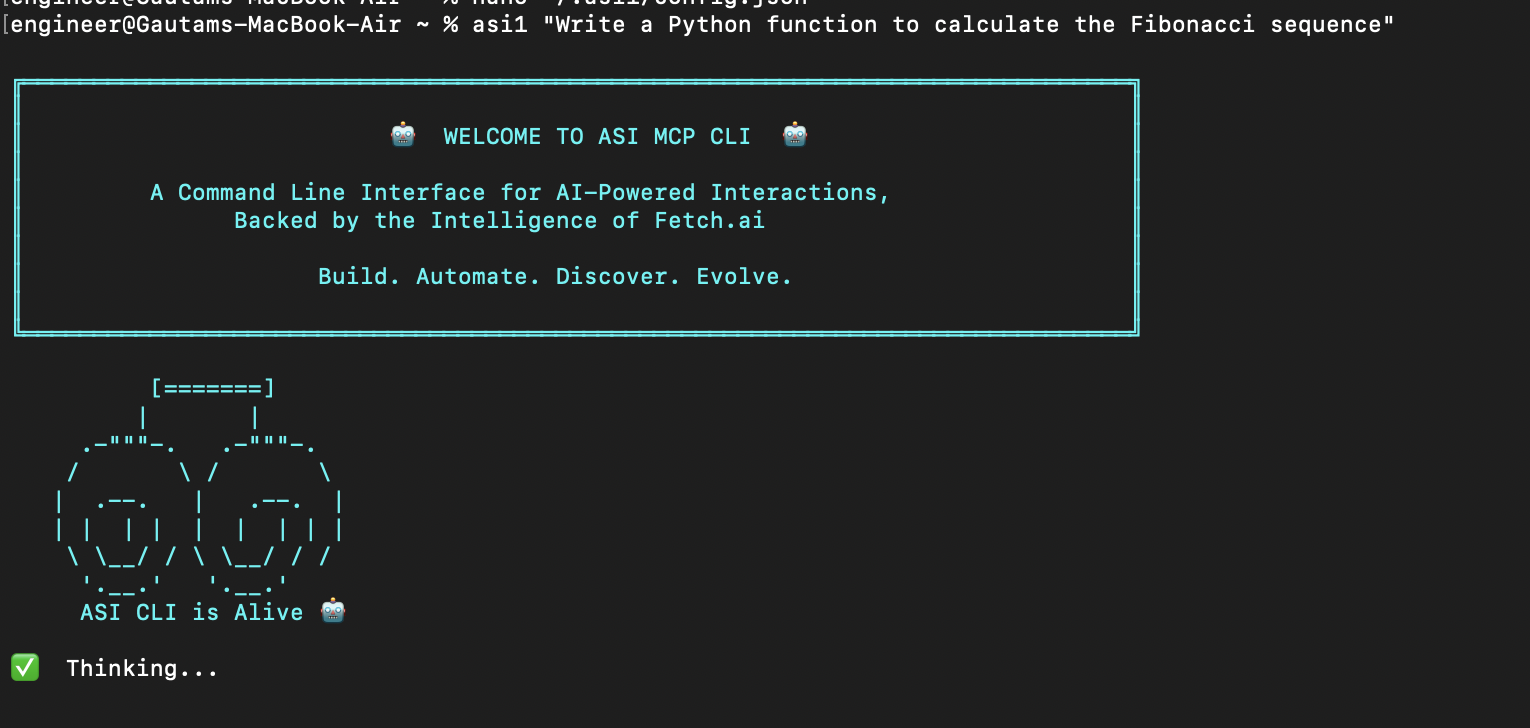
Ask simple questions:
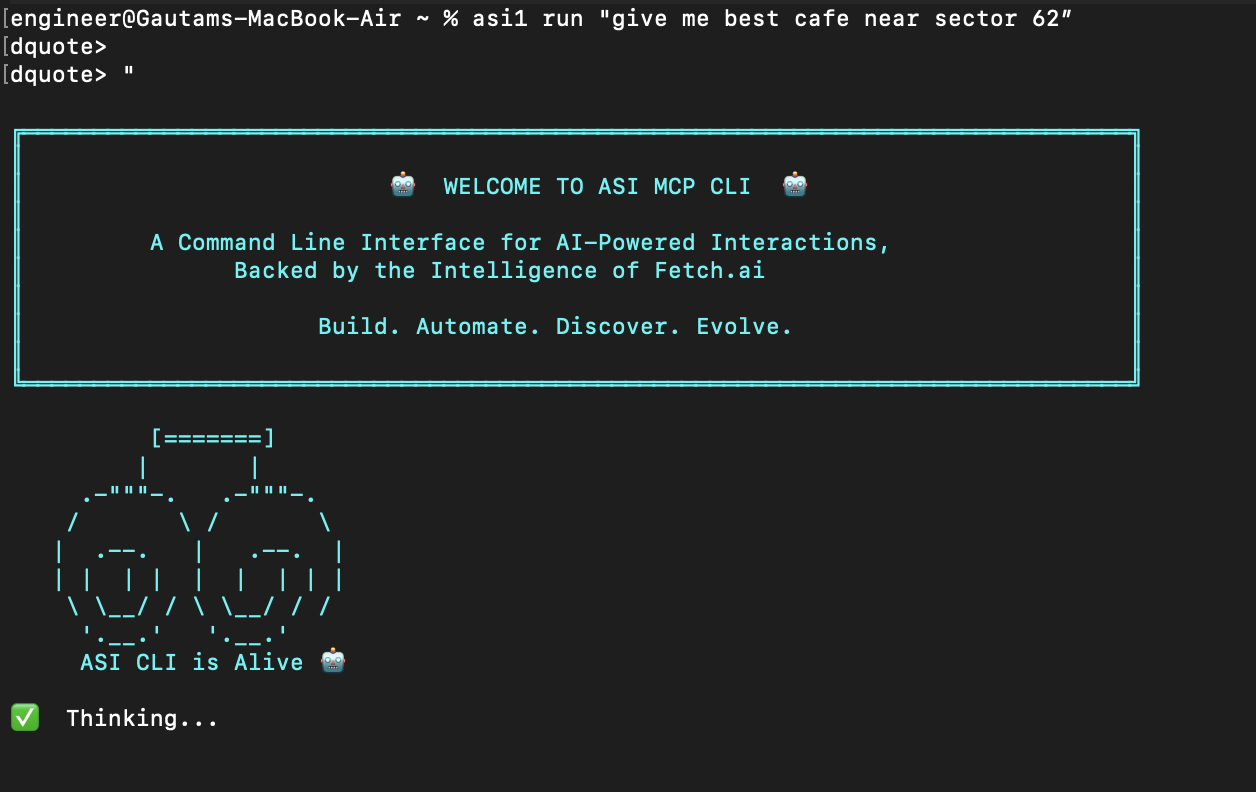
asi1 "What is the capital of France?"
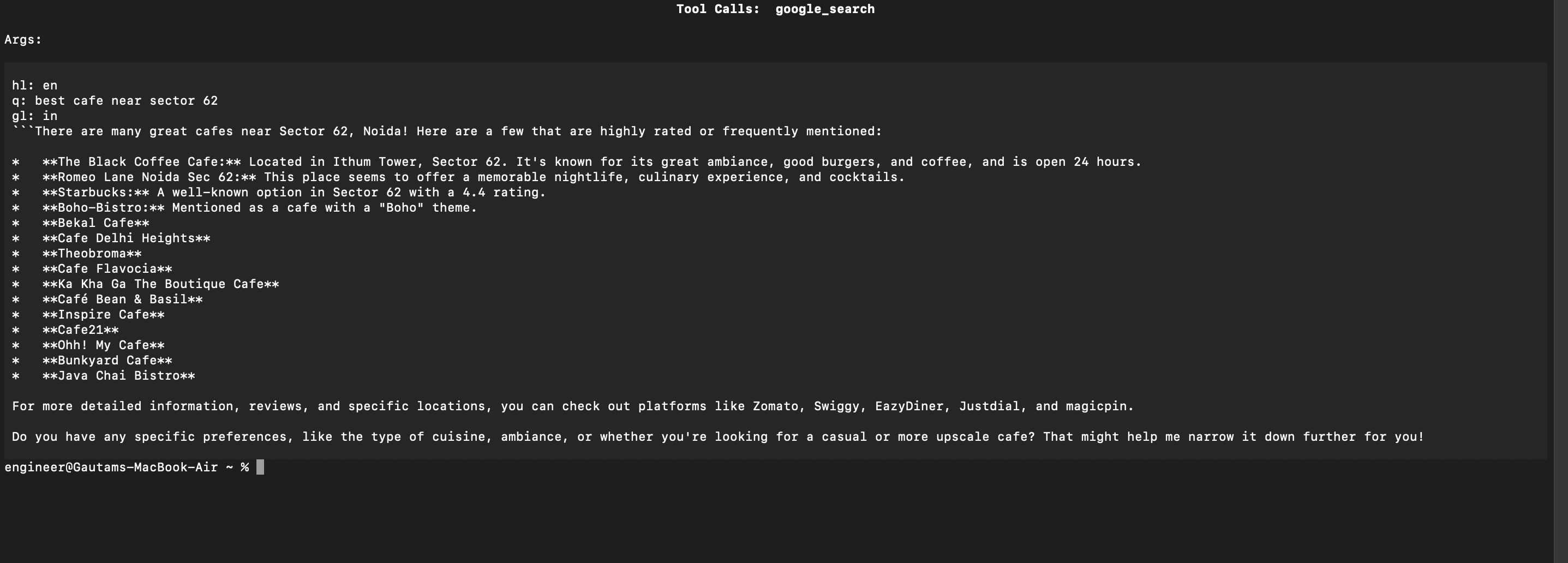
Search the web:
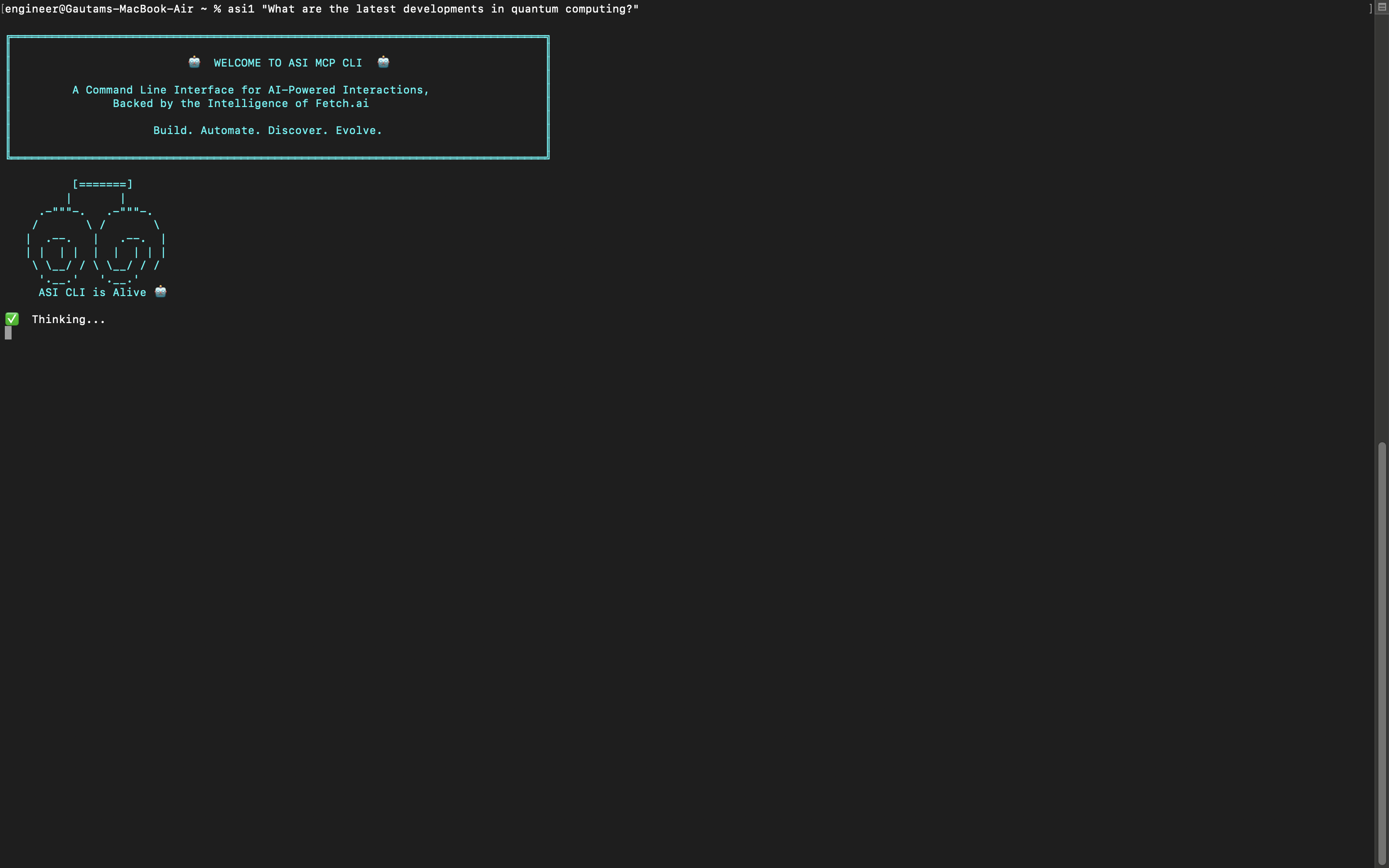
asi1 "latest developments in quantum computing"
asi1 "What are the latest developments in quantum computing?"
See available templates:
asi1 --list-prompts
Use templates for common tasks:
asi1 run p review     (for code review)
asi1 run p commit     (for git commit messages)
asi1 run p yt https://www.youtube.com/watch?v=example
Configuration File Example
Your config file should look like this:
{
  "systemPrompt": "You are a helpful AI assistant",
  "llm": {
    "provider": "asi-one",
    "model": "asi1-mini",
    "api_key": "your-api-key-here",
    "temperature": 0,
    "base_url": "https://api.asi1.ai/v1"
  },
  "mcpServers": {
    "brave-search": {
      "command": "npx",
      "args": ["-y", "@modelcontextprotocol/server-brave-search"],
      "env": {
        "BRAVE_API_KEY": "your-brave-key-here"
      }
    }
  }
}
Main Features
- Type questions in normal English
- Get answers from AI
- Search the web
- Use templates for common tasks
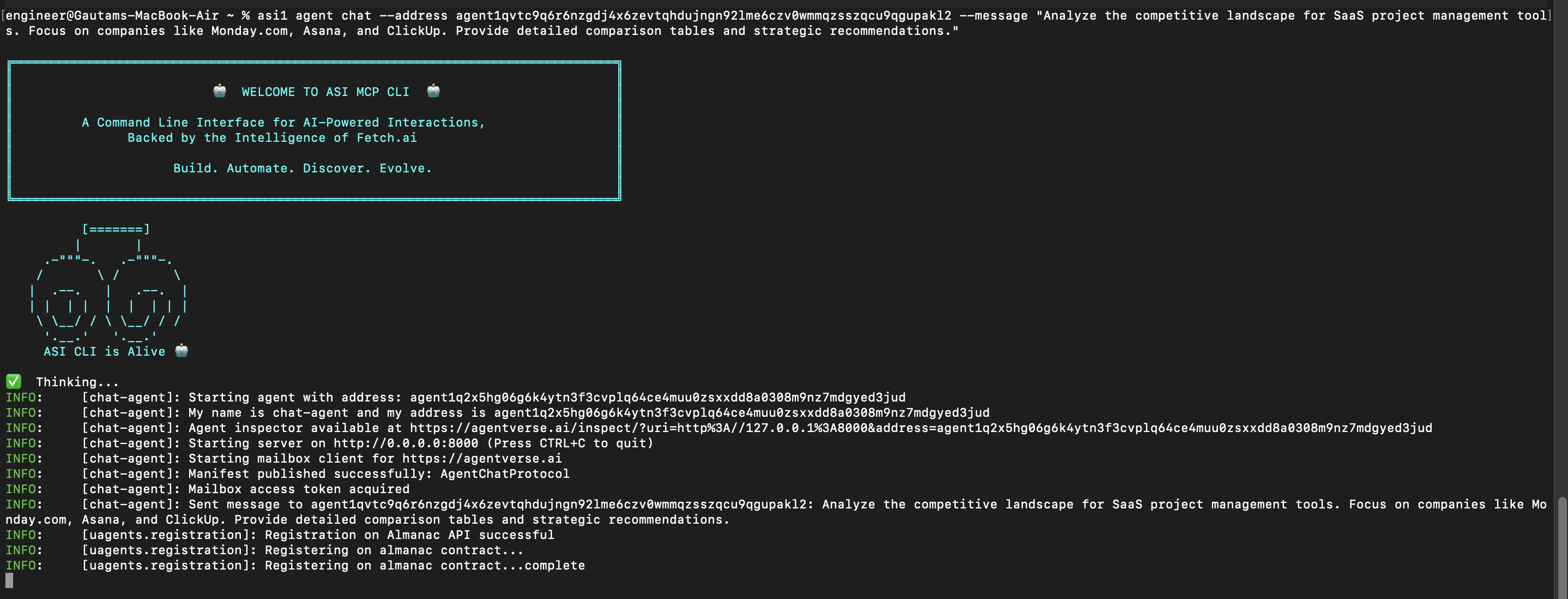
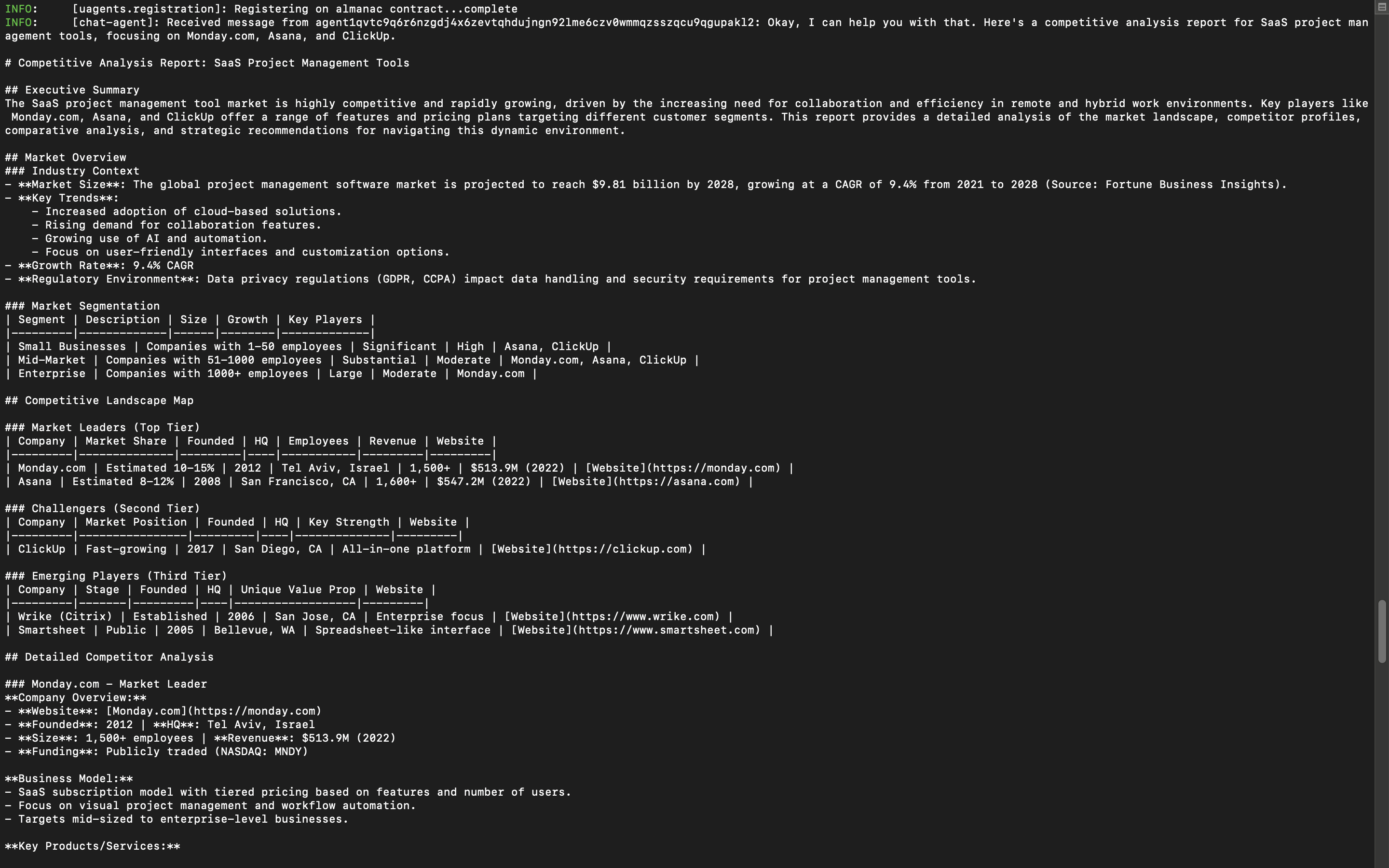
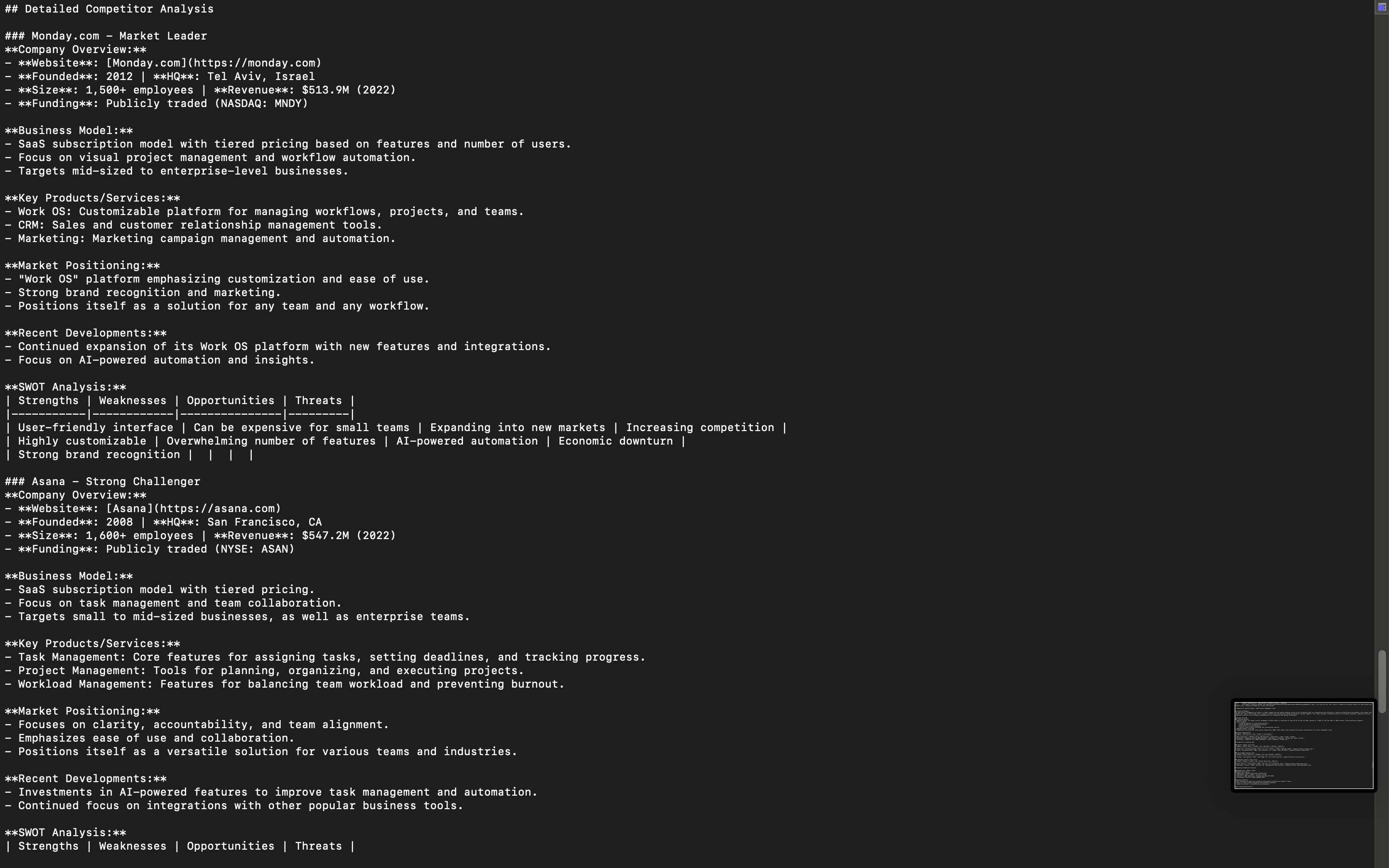
- Chat with other AI agents
- No complex programming needed
Example Commands
Ask anything:
asi1 "How do I make a website?"
asi1 "What's the weather like today?"
asi1 "Explain quantum physics simply"
Use templates:
asi1 run p review        (reviews your code changes)
asi1 run p commit        (makes git commit message)
asi1 run p yt [video-url] (summarizes YouTube video)
Chat with agents:
asi1 agent chat --address [agent-address] --message "Hello"
Getting Help
Type this to see all options:
asi1 --help
How It Works
- You type a question in normal language
- The tool figures out what kind of question it is
- It sends your question to the right AI service
- You get an answer back
- That's it!
The tool can:
- Answer general questions using AI
- Search the internet for current information
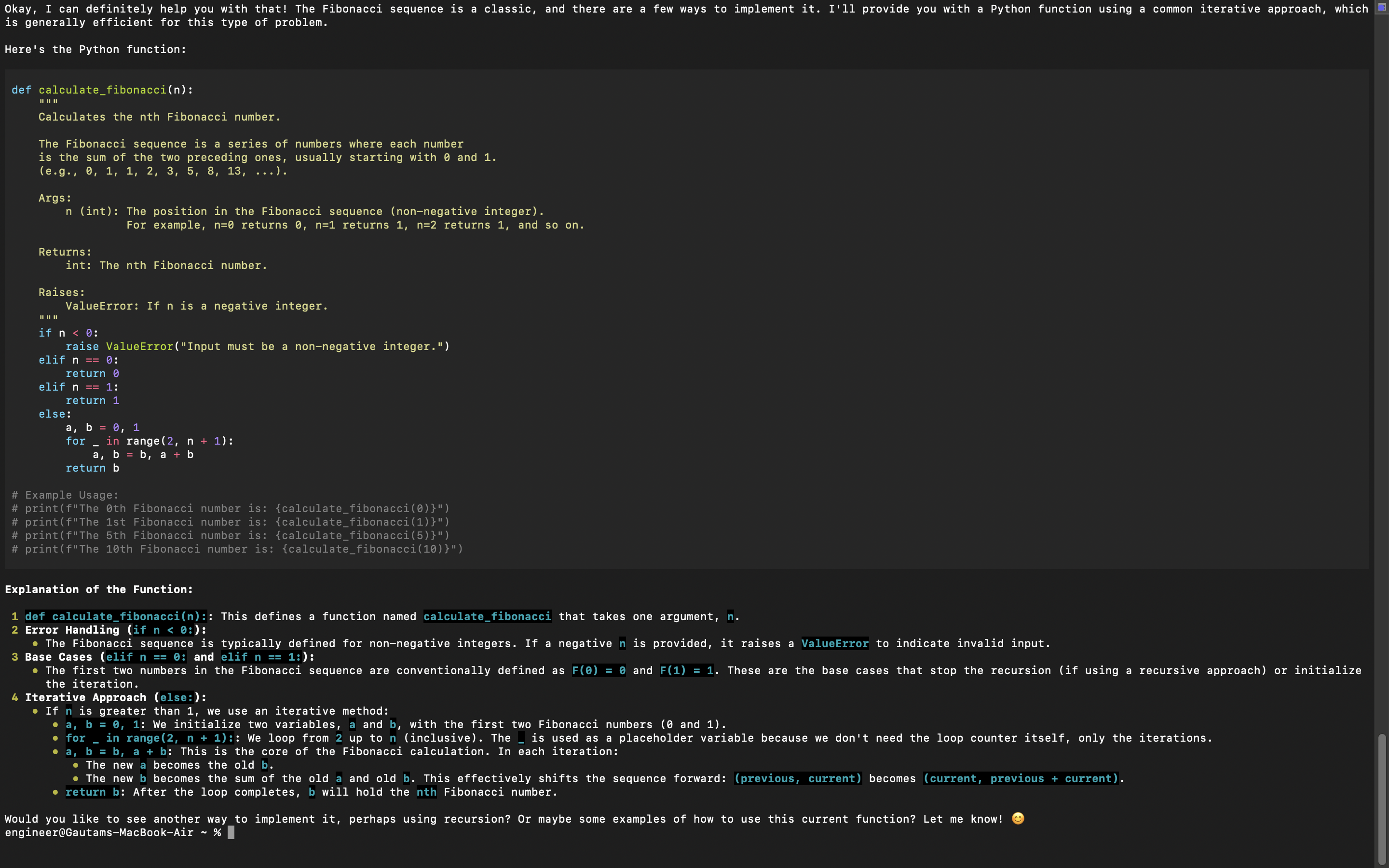
- Help with coding tasks
- Generate commit messages
- Summarize videos
- Talk to other AI agents
No need to learn complex commands or write code. Just ask what you want to know in plain English.

