Codeless Builder
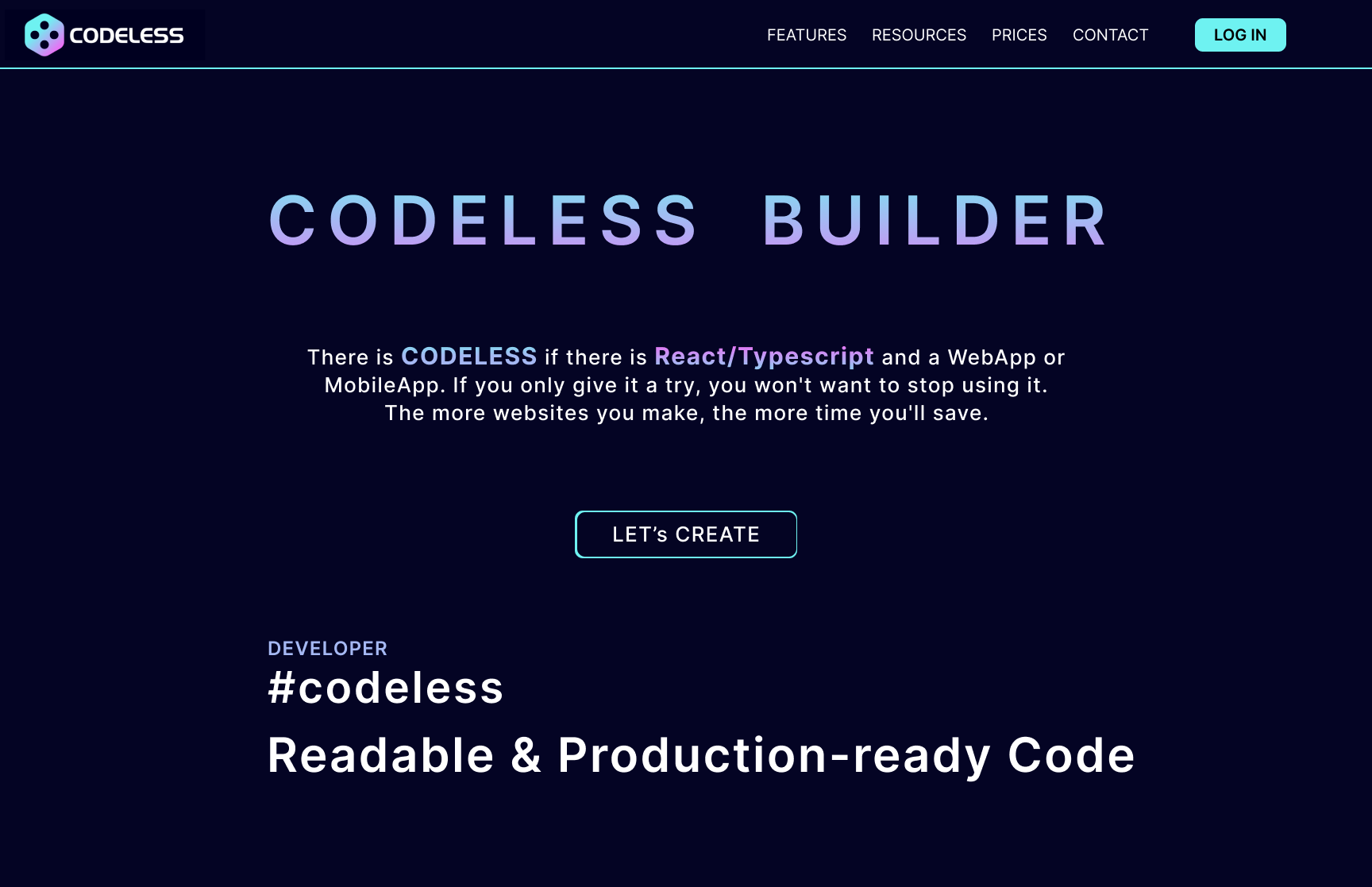
Link to open source: https://github.com/Codeless-Builder
Link to Live Project: https://codelessbuilder.xyz
In the current scenario, no-code tools for building websites do exist but most of them are either theme-based or not affordable for common peeps. We aim to build codeless webapp builder which will be an open-source, free of cost, user-friendly web application for creating attractive websites without writing any piece of code where anyone can quickly draft components with the simple drag and drop UI. It will have the feature of drag and drop UI components, live props editing and styling, preset components and production-ready code. Not knowing how to code would no longer be a hindrance in making your own websites. It’ll be a huge plus for all those individuals and businesses looking to build their sites without having to hire a professional. It even saves your time and efforts, saving you from all the unnecessary hassle to build a website!
The greatest component library in town is Codeless, and OpenCodeless is a visual editor for it. Utilize the straightforward drag and drop UI to quickly draught components.
Technologies
Javascript | ReactJS | NextJS | VueJS | Typescript | NodeJS | ExpressJS | MongoDB | Docker
Features
- Drag & Drop Components
- Preset Components
- Export 4 frameworks ( ReactJS, VueJS, NextJs, Typescript)
- Build Mobile View / Web View
- Build Static & Dynamic Website
- Production Ready Code
Builder mode
The Builder mode increases the padding and border to make choosing components easier.
💡Toggle the Builder mode with the
bshortcut
Code panel
To view the JS/JSX/TSX code of your components, toggle the code panel. Even better, you can export your code right to CodeSandbox!
💡Toggle the Code panel with the
cshortcut
Components panel
Any component may be dropped into this editor from the left-hand panel. Start communicating with them after that.
A preset can be moved around; it is a collection of parts. To setup a complicated component quickly, simply drop a preset!
Inspector
Update props & style
The inspector panel is located on the right-hand side. You can edit the component's props and style using the available tools.
Delete, reset and documentation
To delete, reset, and access the Codeless documentation for each component, reach the yellow bar at the top.
Sort components
By clicking on a component containing children, you will see a Children panel appearing on the right. It enables sorting the children.
Roadmap
- More Codeless UI components integration
- Components copy
- Props panel improvements
- Code generation improvements
- Dark mode support
- Login system
- Build static & dynamic feature (Form, Login System, Database ec...)
- Custom presets
- Custom theme
- Fix bugs 🧨
- Support other UI (Material, Reakit...)
- More framework export

