Engagement Monitor
Link to open source: https://engagament-monitor.codechefvit.com/
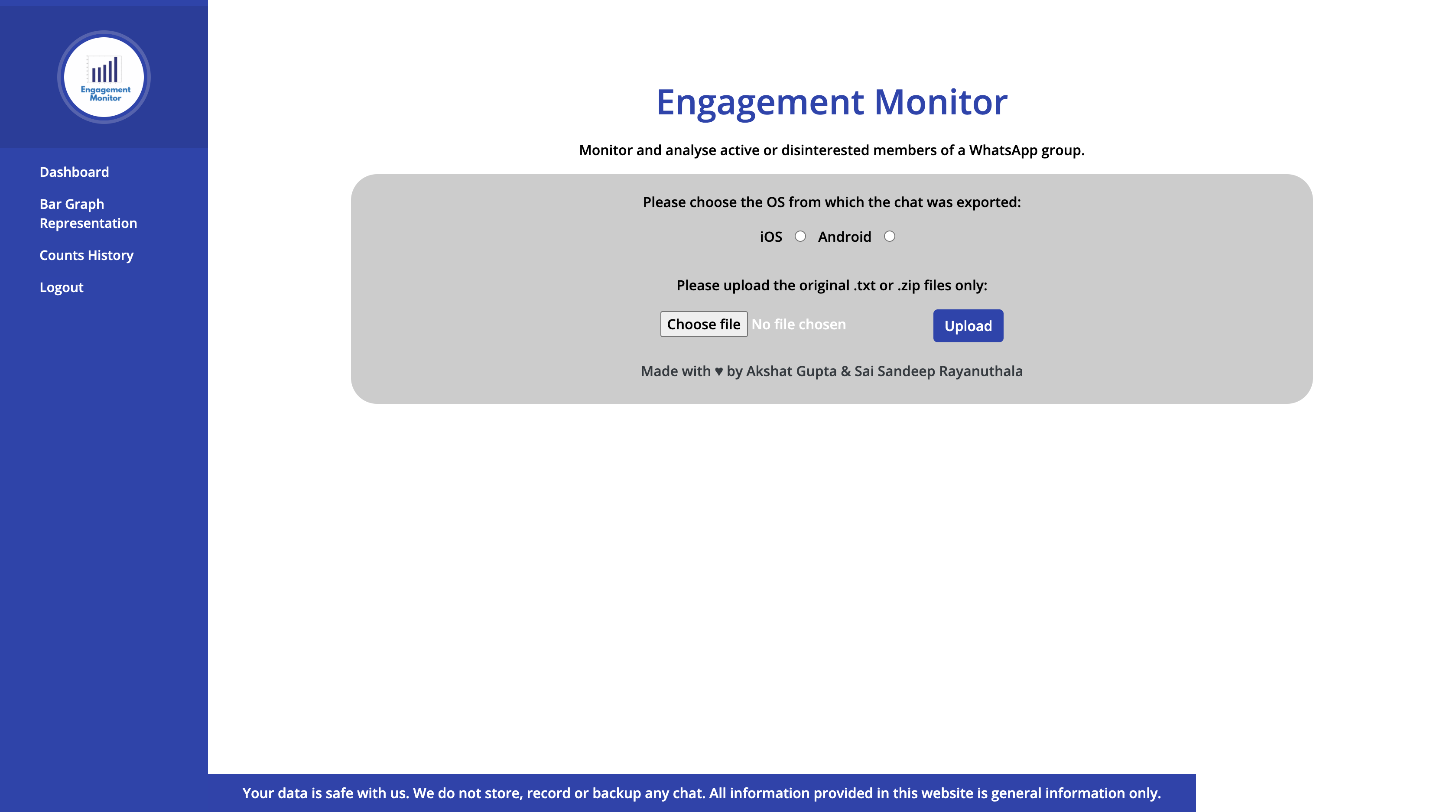
Monitor and analyse active or disinterested members of a WhatsApp group.
How to use Engagement Monitor?
- Go to group or individual chat settings on WhatsApp in your mobile phone and choose the 'Export Chat' option and save the .txt file anywhere on your device.
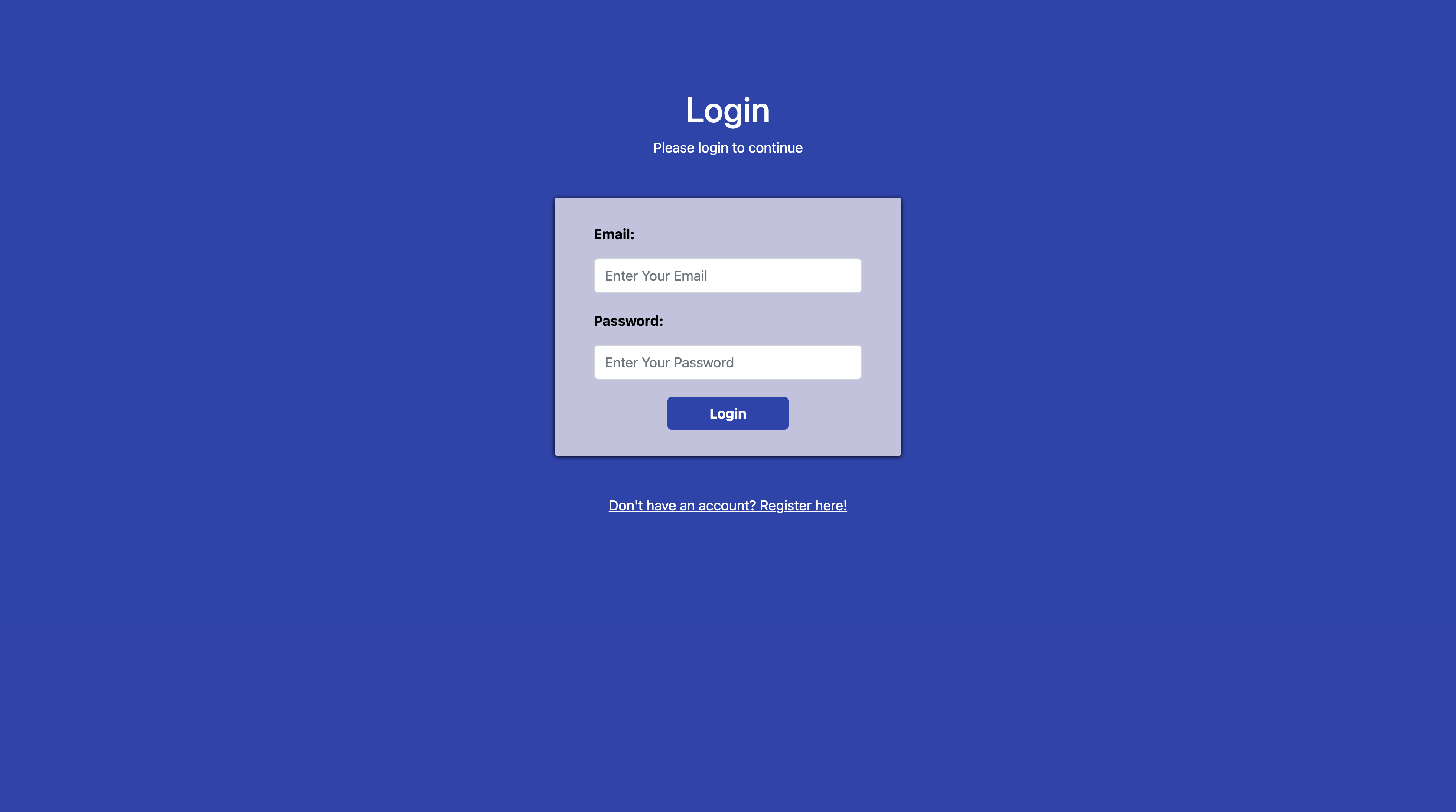
- Open Engagement Monitor and upload the file after registering and logging in.
- View each member's total count of messages and past counts in numbers as well as in the form of graphs and charts.
Advantages of Engagement Monitor?
- Find out the most active members in a WhatsApp group.
- Find out who spams the most in a WhatsApp group.
- Keep track of inactive people who rarely/ never reply to or acknowledge messages.
- Easy to use UI & UX.
- Saves time checking statistics of member activity.
Repository Link: https://github.com/CodeChefVIT/Engagement-Monitor.

.jpg "Sandeep Singh 🦁")

