MedoVeda

Link to open source: https://github.com/Riddhi8077/MedoVeda
Link to Live Project: https://medo-veda.netlify.app/
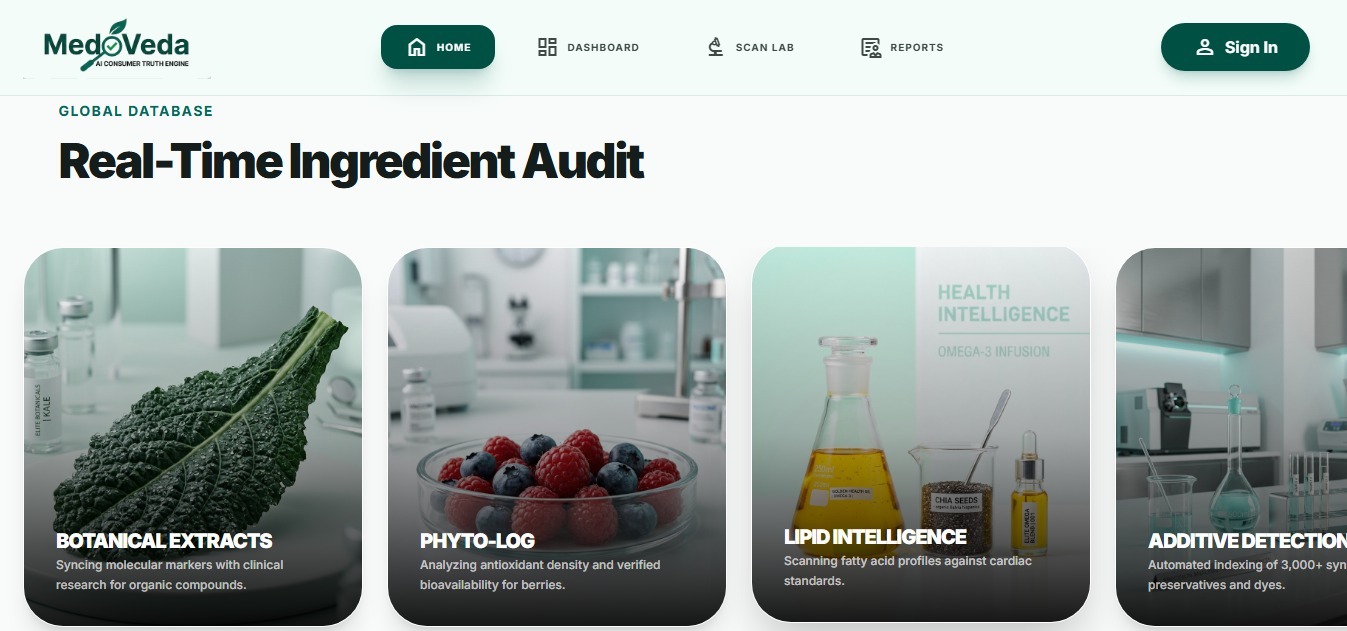
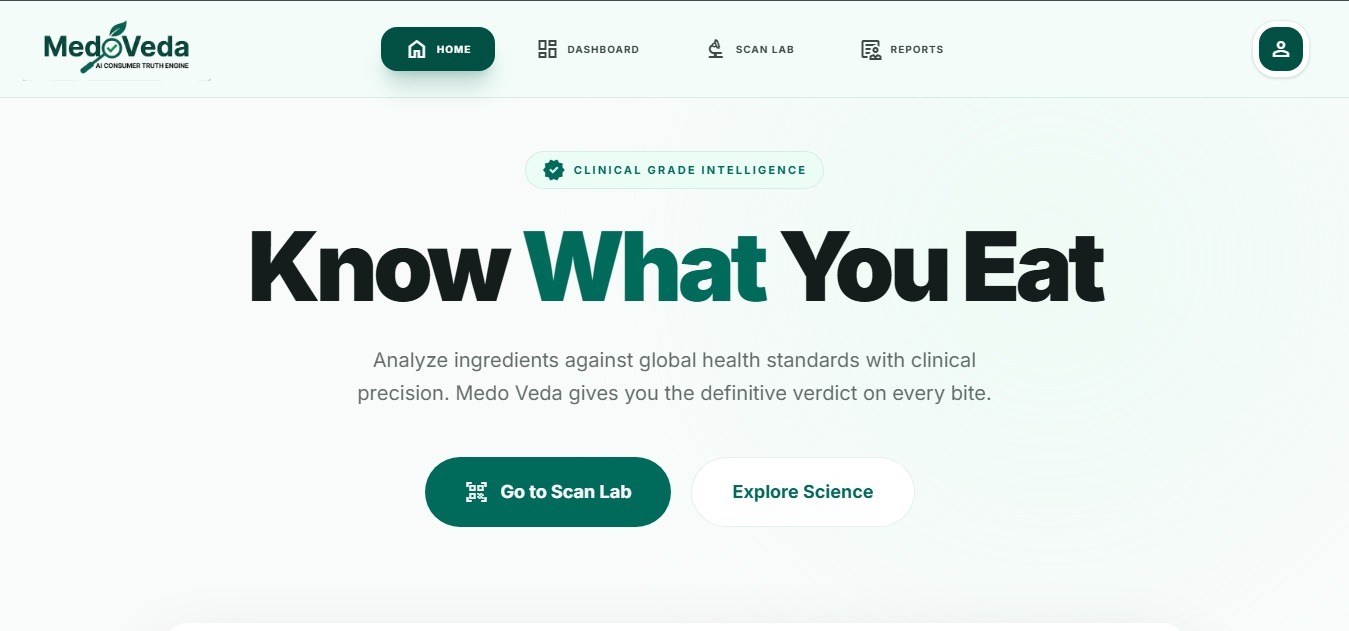
Medo-Veda is an AI-powered consumer health analysis platform focused on packaged food intelligence. It reads product labels, analyzes ingredient risk, verifies marketing claims, personalizes advice by user health profile, and generates a clinical-style report.
This README is updated to match the current codebase architecture and behavior.
Medo-Veda supports:
- Product scan and analysis flow (image-first)
- Ingredient-level risk classification
- Claim vs reality verification
- Profile-aware advice (age, goals, conditions)
- Nutrition snapshot normalization and fallback
- Report history and dashboard summary
- Downloadable report PDF from report view
System overview:
- Frontend (React + Vite) captures user input and polls status.
- Backend (Node + Express) orchestrates multi-agent analysis.
- Vision + AI agents generate structured report data.
- PostgreSQL persists users, profiles, scans, and reports.
- Cloudinary stores uploaded images.
- Redis caches computed responses where applicable.
Flow summary:
- User uploads image or submits scan request.
- Backend starts pipeline and tracks progress by scanId.
- Frontend polls scan status endpoint.
- Once complete, frontend fetches final report payload.
- Report renders in Analysis Report UI and can be exported to PDF.
- React 19
- Vite 8
- Tailwind CSS 4
- React Router
- Axios
- Framer Motion
- React Hot Toast
- html-to-image + jsPDF + html2canvas (report export)
- MUI dependencies (available in project)
- Node.js + Express 5
- PostgreSQL (pg)
- Cloudinary
- Upstash Redis
- Multer
- Sharp
- JWT + bcryptjs
- Axios
- jsonrepair
- OpenAI SDK and Google/Vertex packages present in dependencies
- Vision-first orchestration
- Multi-agent pipeline with safe fallbacks and timeout wrappers
- Report assembly and output validation
- Guideline enrichment via Wikipedia-backed lookup service
Core backend entry:
- Express app bootstraps middleware, routes, health checks, and timeout controls.
Important route groups:
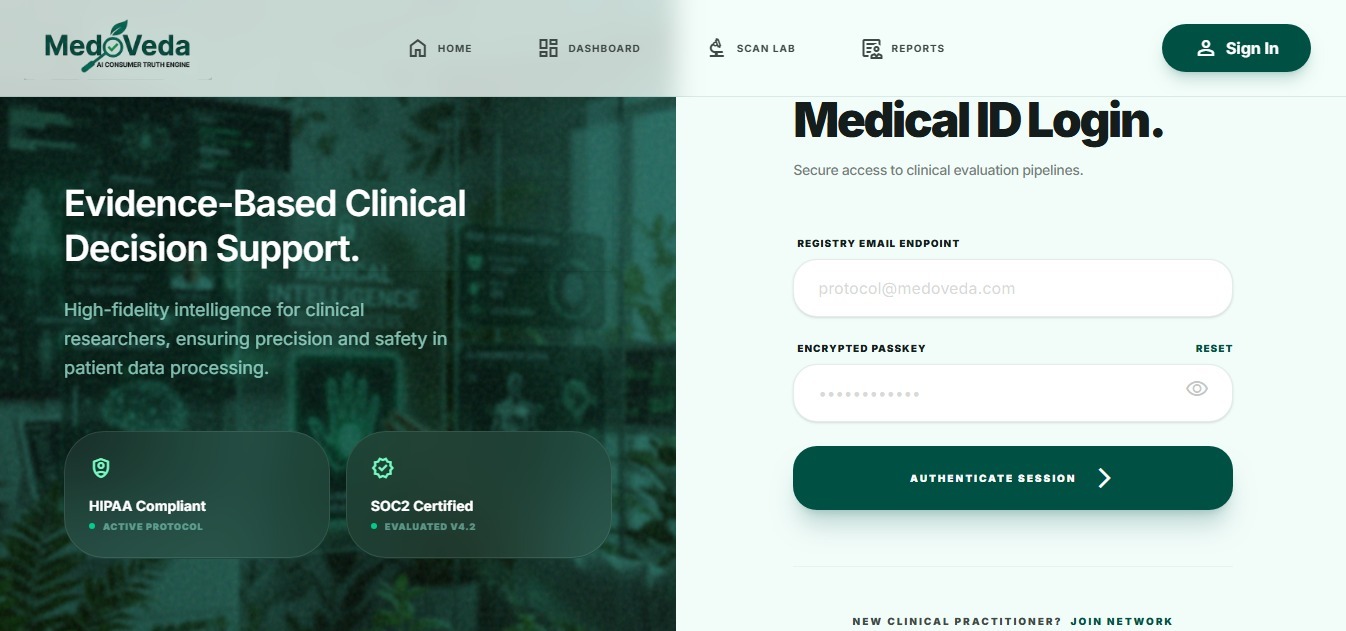
- Auth
- Register and login
- Profile
- Setup and get profile
- Scan lifecycle
- Create scan
- Poll status
- Fetch result
- History/list and single record
- Dashboard summary
- Vision/image extraction endpoints
Pipeline behavior (orchestrator):
- Wave 1: Vision or product discovery + persona context
- Wave 2: Ingredient + claims + web research fallback
- Wave 3: Personalization + evidence + alternatives + verdict
- Wave 4: Assembly of final report schema
Stability design:
- Each critical external/agent call is wrapped by a safe timeout helper.
- Fallback paths are used when an agent fails or returns sparse output.
- Guideline text is sanitized so UI receives renderable values.
Core frontend app shell:
- Route-based pages with fixed navbar and mobile bottom navigation patterns.
- Protected routes for authenticated pages.
- Mobile-safe spacing and viewport handling are implemented globally.
Key pages:
- Landing page
- Auth page (separate mobile/desktop layouts)
- Dashboard
- Scan page
- Report loading page (status polling)
- Analysis report page
- History page
- Profile setup page
Report rendering notes:
- Ingredient and nutrition values are normalized defensively.
- Personal advice is layout-optimized for mobile readability.
- PDF export path captures rendered DOM and writes a downloadable PDF.
- Node.js 18+
- npm
- PostgreSQL database connection string
- Cloudinary account keys
- NVIDIA API keys for pipeline calls
git clone https://github.com/Dineshkumar2006471/Medo-veda.git
cd Medo-veda
cd backend
npm install
Create backend .env with (current expected keys):
- DATABASE_URL
- JWT_SECRET
- NVIDIA_API_KEY
- CLOUDINARY_CLOUD_NAME
- CLOUDINARY_API_KEY
- CLOUDINARY_API_SECRET
- UPSTASH_REDIS_REST_URL
- UPSTASH_REDIS_REST_TOKEN
- PORT (optional, defaults from code)
- WIKI_CONTACT_EMAIL (optional, fallback exists)
Start backend:
npm run dev
Health check:
curl http://localhost:3001/health
cd ../frontend
npm install
Create frontend .env:
- VITE_API_URL=http://127.0.0.1:3001
Start frontend:
npm run dev
Open:
- User logs in and profile is available.
- User uploads/starts scan.
- Backend creates scan and starts orchestrator.
- Frontend polls status endpoint.
- Backend assembles final report.
- Frontend loads Analysis Report with normalized payload.
- User downloads PDF copy from report page.
- Deploy backend folder as web service.
- Set all required env vars listed above.
- Ensure outbound access to AI and Cloudinary endpoints.
- Deploy frontend as Vite app.
- Set VITE_API_URL to deployed backend URL.
- Verify DATABASE_URL and SSL behavior of your host.
- Check backend logs for pool connection timeout.
- Check scan status endpoint response.
- Confirm AI keys are set and valid.
- Check image upload path and Cloudinary env values.
- Confirm frontend build is up to date.
- Validate report page renders fully before export.
- Check browser console for DOM capture or CORS errors from external images.
Recently stabilized areas:
- Mobile auth and navigation behavior
- Report rendering robustness
- Ingredient guideline fallback/safety handling
- Pipeline safety wrappers for external enrichment
- PDF export flow hardening
This repository is currently used for hackathon/academic and product prototyping workflows.

