NexCall-One-Platform-to-Connect
Link to open source: https://github.com/Chandan-Singh10/NexCall-One-Platform-to-Connect
Link to Live Project: https://nexcall-one-platform-to-connect.vercel.app/sign-in?redirect_url=https%3A%2F%2Fnexcall-one-platform-to-connect.vercel.app%2F
- 🤖 Introduction
- ⚙️ Tech Stack
- 🔋 Features
- 🤸 Quick Start
- 🕸️ Assets & Code
- 🚀 More
- Next.js
- TypeScript
- Clerk
- getstream
- shadcn
- Tailwind CSS
👉 Authentication: Implements authentication and authorization features using Clerk, allowing users to securely log in via social sign-on or traditional email and password methods, while ensuring appropriate access levels and permissions within the platform.
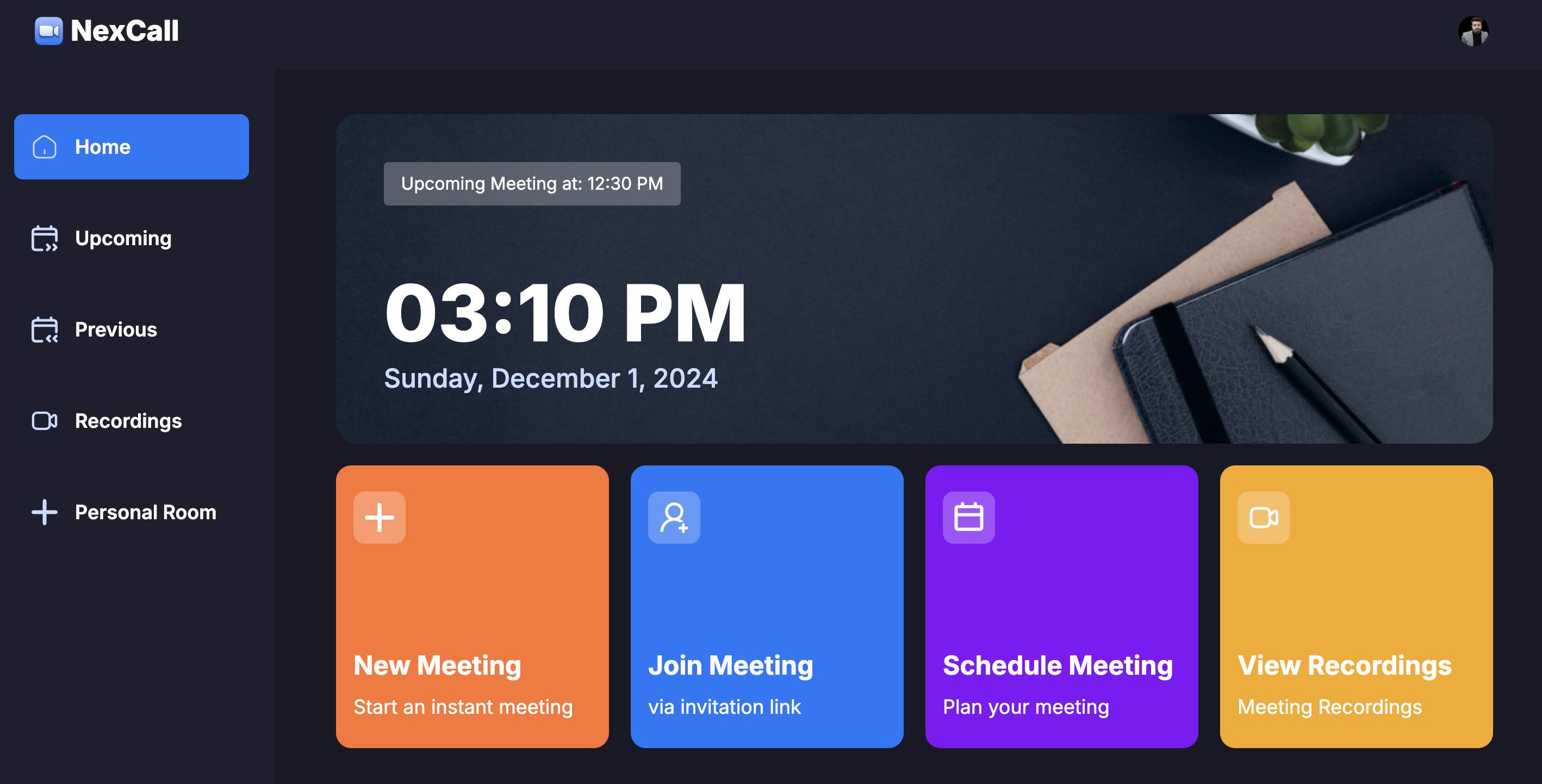
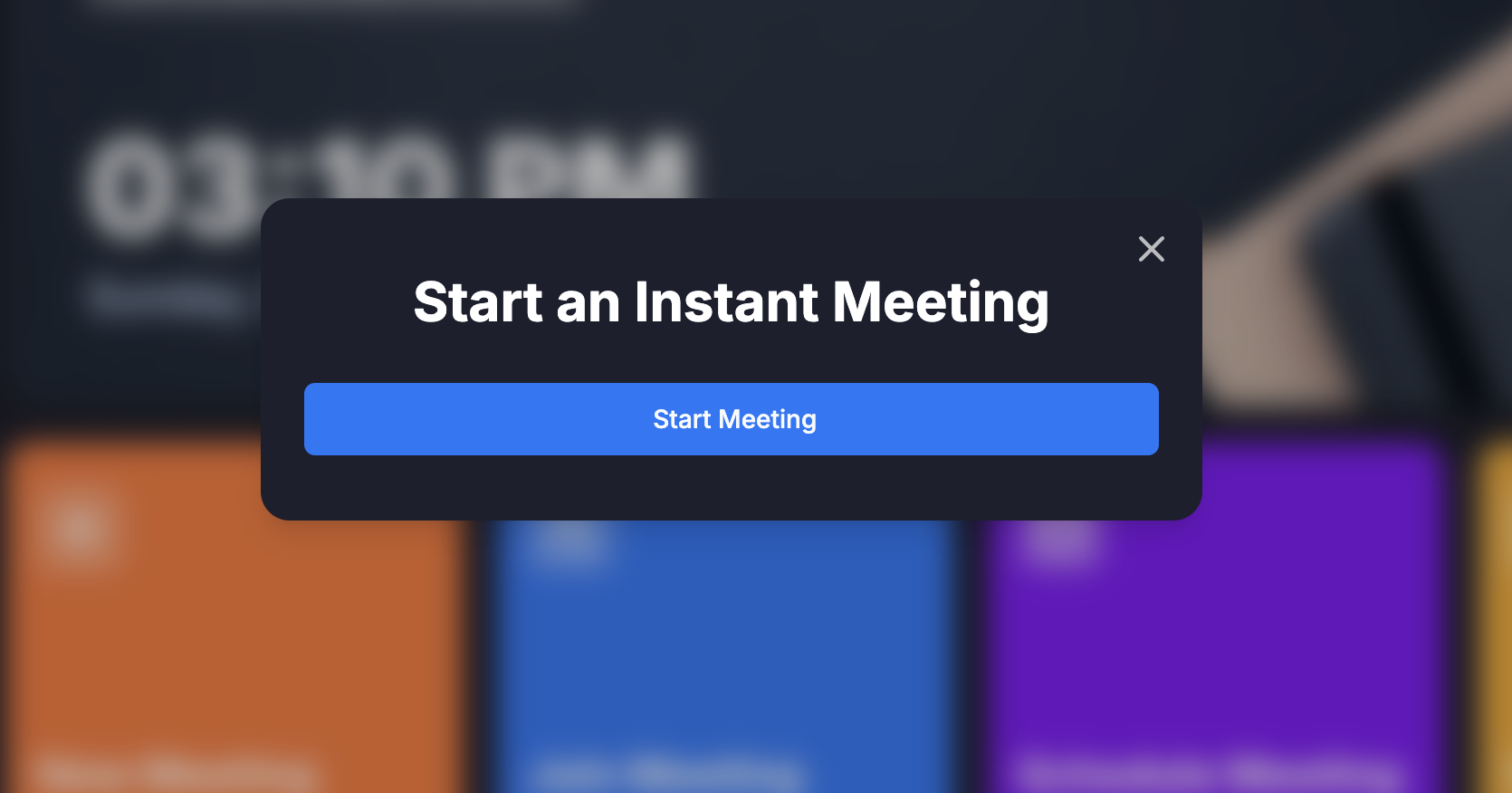
👉 New Meeting: Quickly start a new meeting, configuring camera and microphone settings before joining.
👉 Meeting Controls: Participants have full control over meeting aspects, including recording, emoji reactions, screen sharing, muting/unmuting, sound adjustments, grid layout, participant list view, and individual participant management (pinning, muting, unmuting, blocking, allowing video share).
👉 Exit Meeting: Participants can leave a meeting, or creators can end it for all attendees.
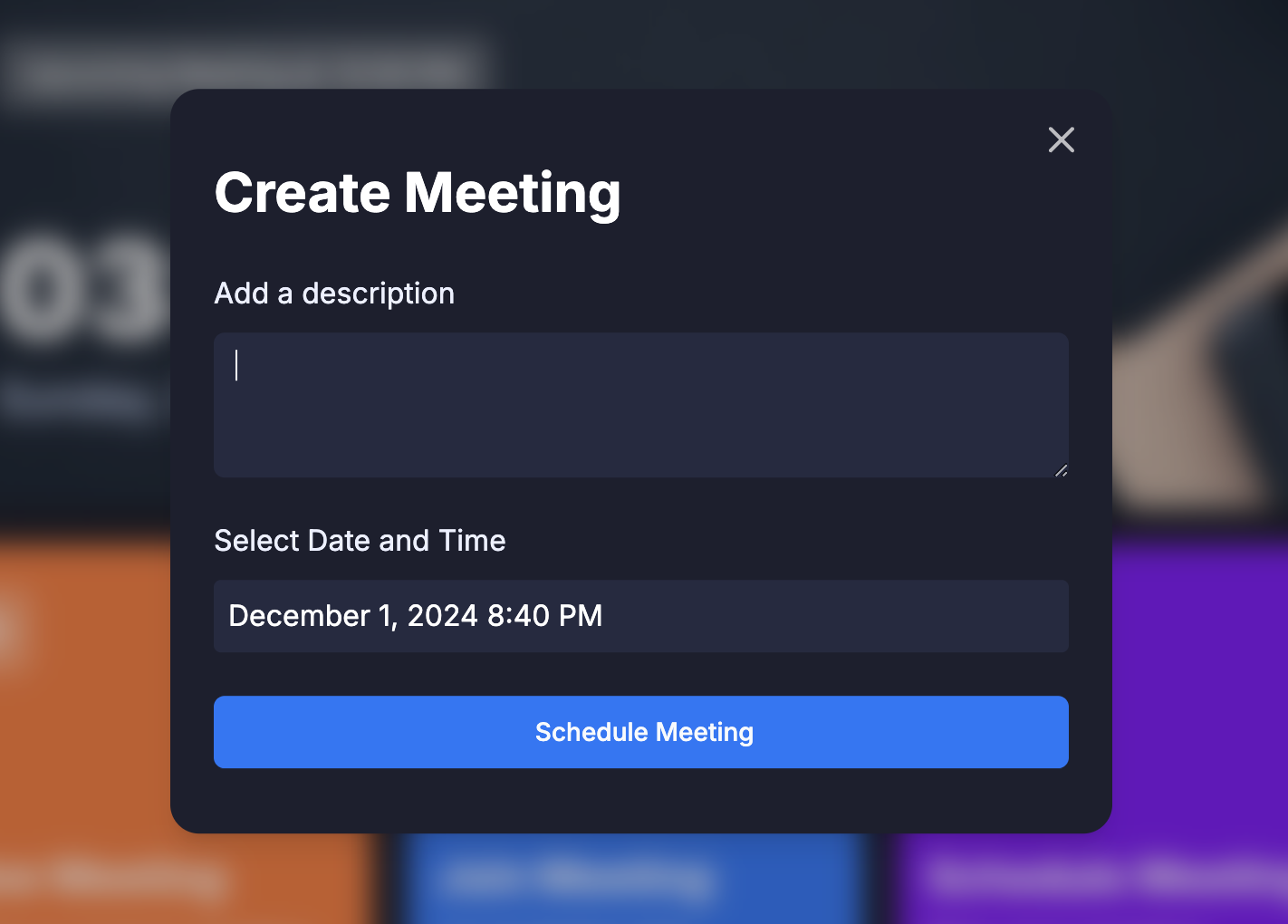
👉 Schedule Future Meetings: Input meeting details (date, time) to schedule future meetings, accessible on the 'Upcoming Meetings' page for sharing the link or immediate start.
👉 Past Meetings List: Access a list of previously held meetings, including details and metadata.
👉 View Recorded Meetings: Access recordings of past meetings for review or reference.
👉 Personal Room: Users have a personal room with a unique meeting link for instant meetings, shareable with others.
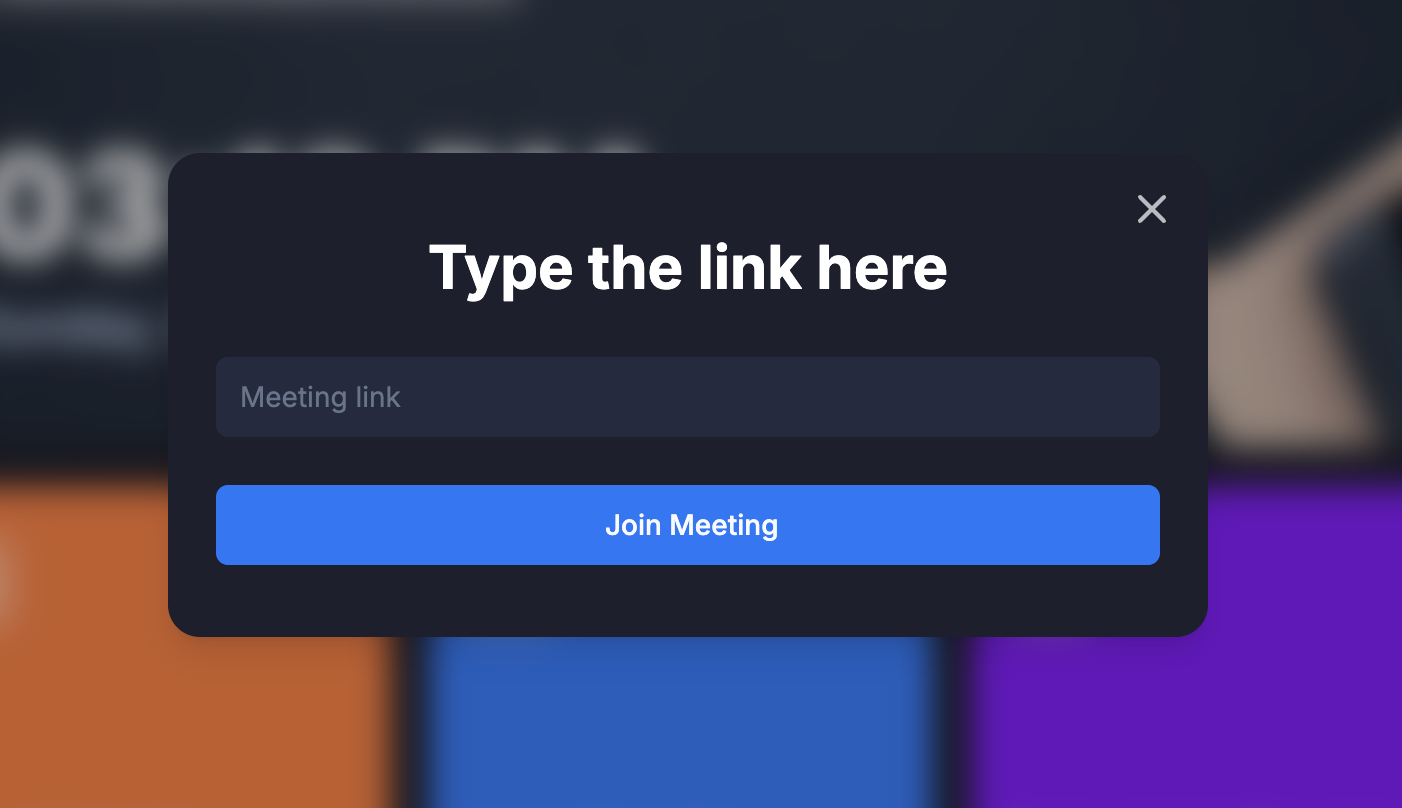
👉 Join Meetings via Link: Easily join meetings created by others by providing a link.
👉 Secure Real-time Functionality: All interactions within the platform are secure and occur in real-time, maintaining user privacy and data integrity.
👉 Responsive Design: Follows responsive design principles to ensure optimal user experience across devices, adapting seamlessly to different screen sizes and resolutions.
and many more, including code architecture and reusability.
Follow these steps to set up the project locally on your machine.
Prerequisites
Make sure you have the following installed on your machine:
Cloning the Repository
git clone https://github.com/adrianhajdin/zoom-clone.git
cd zoom-clone
Installation:
Install the project dependencies using npm:
npm install
Set Up Environment Variables
Create a new file named .env in the root of your project and add the following content:
NEXT_PUBLIC_CLERK_PUBLISHABLE_KEY=
CLERK_SECRET_KEY=
NEXT_PUBLIC_CLERK_SIGN_IN_URL=/sign-in
NEXT_PUBLIC_CLERK_SIGN_UP_URL=/sign-up
NEXT_PUBLIC_STREAM_API_KEY=
STREAM_SECRET_KEY=
Running the Project
npm run dev


