RxScan
Link to open source: https://github.com/Akshat0021/RxScan
Link to Live Project: https://rx-scan-main.vercel.app/
RxScan is an intelligent, AI-powered web application designed to scan, digitize, and manage medical prescriptions, with a focus on those from India.
Users can upload an image of a prescription (or take a photo with their camera), and the application uses Google's Gemini AI to automatically extract structured information like patient details, doctor's name, and a list of medications. The user can then edit this extracted data, save it to their device, export it as a PDF, and use a suite of AI-powered tools to understand their medication better.
Core Functionality & User Workflow
The application's main workflow is managed by the central App.tsx component.
-
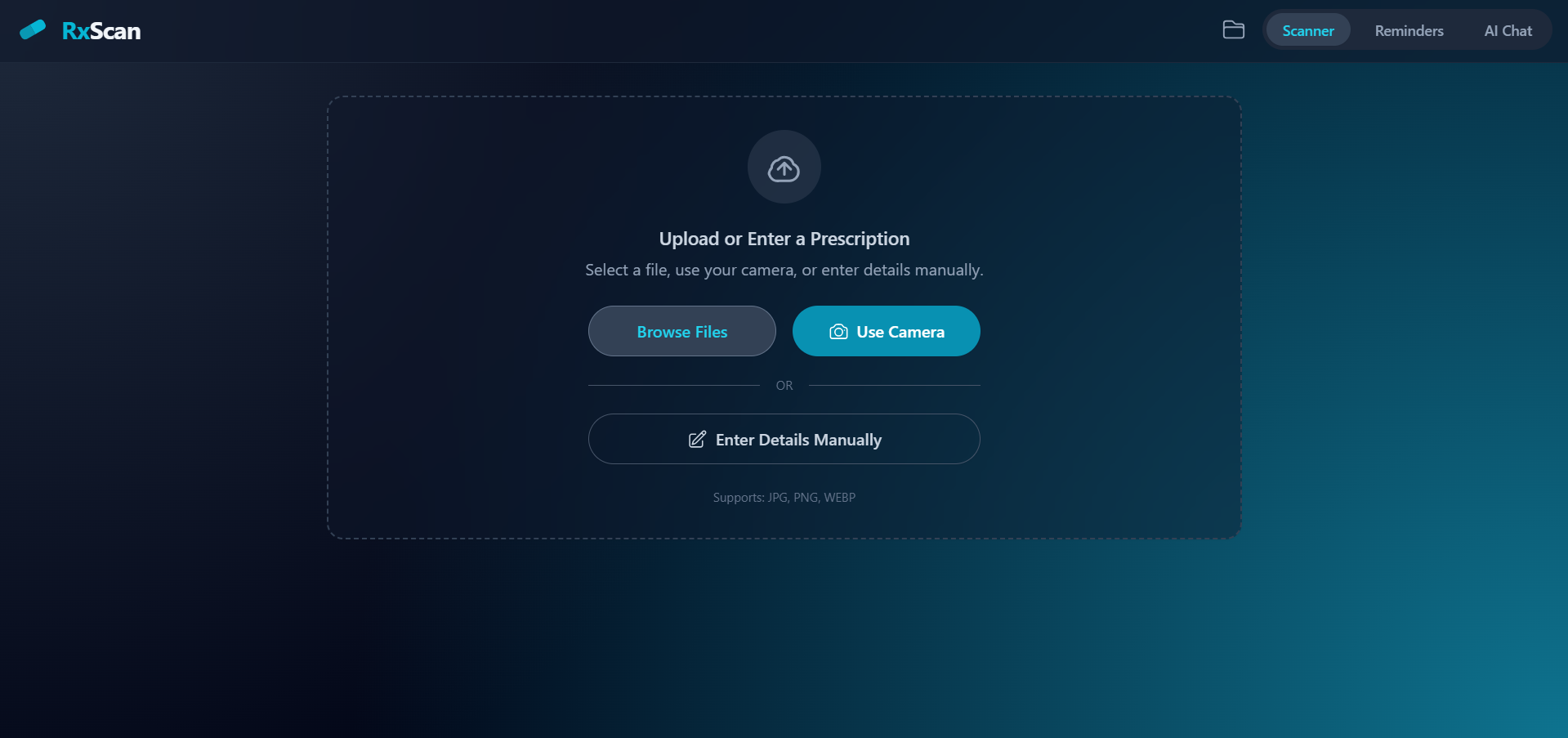
Upload or Manual Entry: The user starts at the "Scanner" tab. The
FileUpload.tsxcomponent gives them three options: browse for a file, use the device's camera, or enter details manually. -
AI Scanning & Verification:
-
If an image is uploaded, clicking "Scan Prescription" triggers the
handleScanfunction inApp.tsx. -
This calls the
scanPrescriptionfunction fromgeminiService.ts, which sends the image to the Gemini AI with a detailed prompt asking it to perform OCR and return a structured JSON object containing patient info, diagnosis, and medications. -
After the initial scan, the app also calls
verifyMedicationName. This function uses AI and Google Search to correct potential spelling errors in the medication names extracted by the OCR, improving accuracy (e.g., "Paracetmol" becomes "Paracetamol 500mg").
-
-
Display & Edit: The extracted data is loaded into the
PrescriptionDisplay.tsxcomponent. Here, the user can review and edit all the fields (patient name, doctor, diagnosis, and the medication table) in real-time. -
Save & Load (Persistence):
-
The app asks for user consent via
CookieConsent.tsxto save data. -
If accepted, the user can click "Save", which opens a
SavePresetModal.tsxto name the prescription. -
The prescription data is then saved in the browser's
localStorageusing functions fromutils/cookieManager.ts. -
Users can view all their saved prescriptions by clicking the "My Prescriptions" (folder) icon, which opens the
PrescriptionsList.tsxcomponent. From this list, they can load, rename, or delete old prescriptions.
-
-
Export: The user can click "Export to PDF". This uses the
generatePrescriptionPDFutility, which leverages thejspdfandjspdf-autotablelibraries to create a clean, professional-looking PDF of the prescription data.
Key Features
Beyond the core workflow, RxScan has several advanced features, most of which are powered by the Gemini AI via services/geminiService.ts.
-
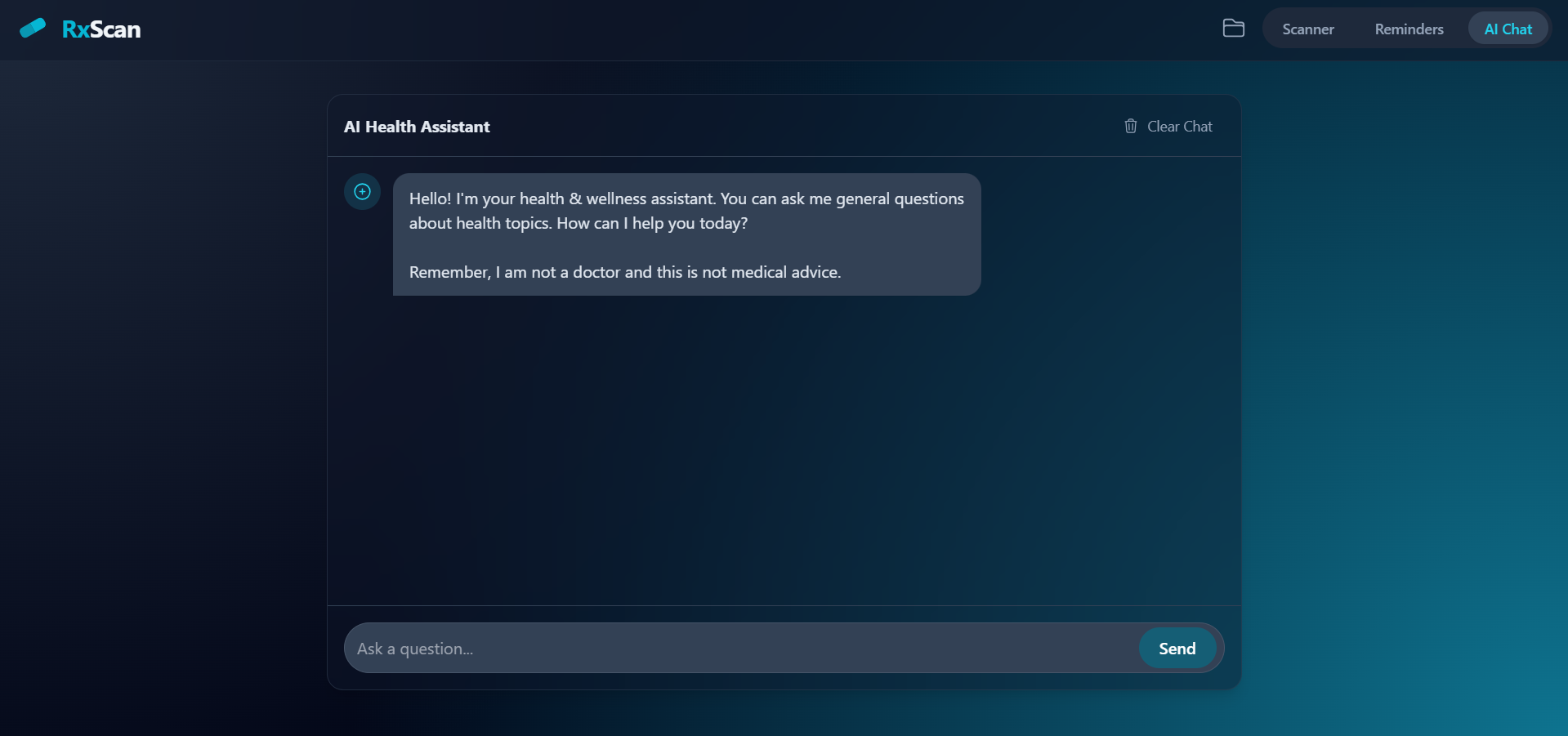
AI Health Assistant (
Chat.tsx): A dedicated "AI Chat" tab provides a chatbot. This AI is context-aware; it receives the current prescription data and can answer questions about the user's medications or general health topics. It includes a disclaimer that it is not a substitute for medical advice. Chat history is also saved tolocalStorage. -
Drug Interaction Checker (
InteractionChecker.tsx): If a prescription has two or more medications, an "Interactions" tab appears. This feature calls thecheckDrugInteractionsfunction to analyze the medication list. It then displays any potential interactions, classifying them as "Major," "Moderate," or "Minor". -
Medication Info (
MedicationInfoModal.tsx): In the prescription display, each medication has an "info" icon. Clicking this callsgetMedicationInfoand shows a modal with AI-generated, easy-to-understand information about the drug's uses, side effects, and precautions. -
Price Comparison (
PriceComparison.tsx): A "Prices" tab appears if a prescription is loaded. This component takes the first medication name and callsgetMedicationPrices. The AI then uses Google Search to find current prices from online Indian pharmacies and displays them to the user. -
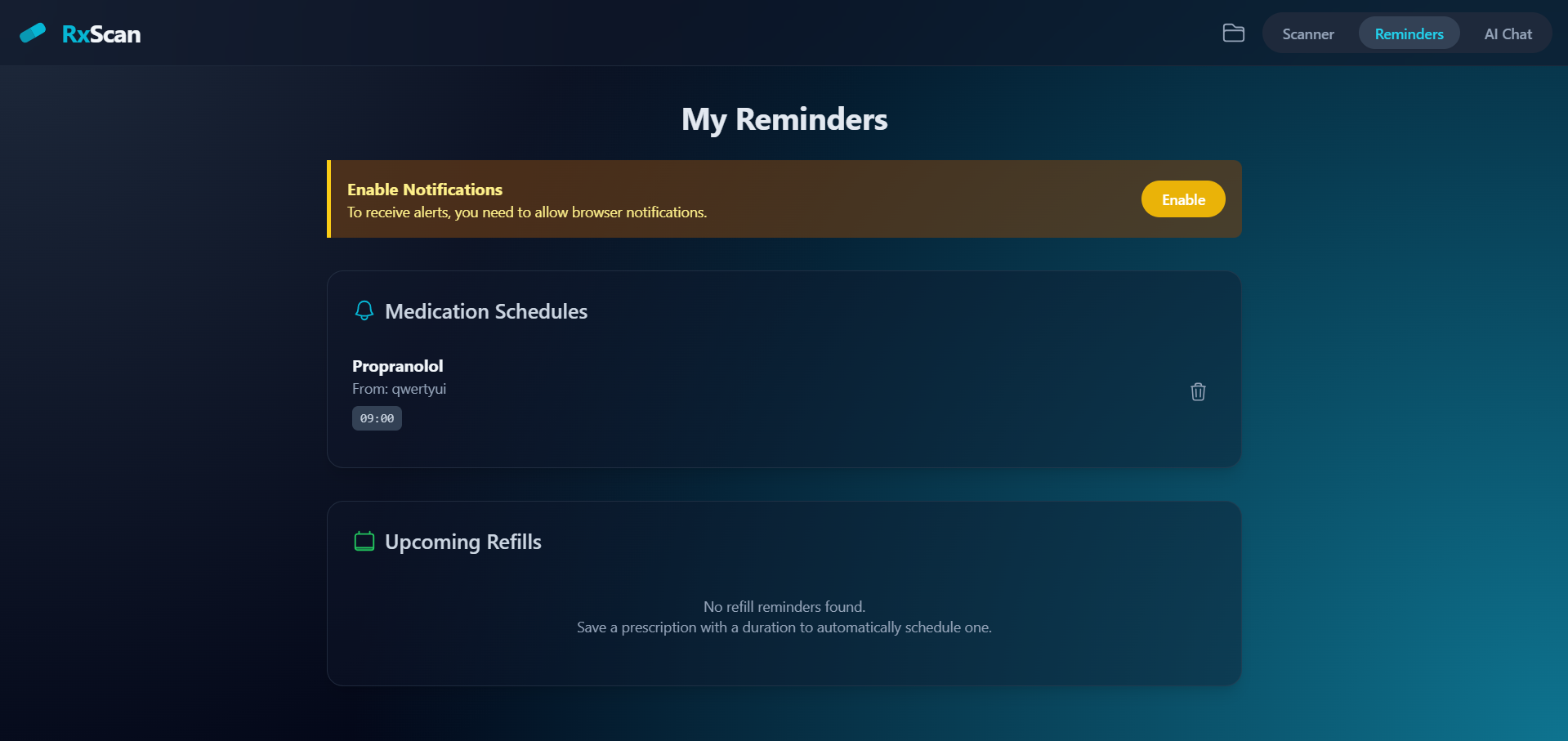
Reminders (
Reminders.tsx): The "Reminders" tab works in conjunction withlocalStoragefunctions fromreminderManager.ts.-
Medication Reminders: Users can click a "bell" icon next to a medication. The app uses
parseFrequencyfromreminderHelpers.tsto interpret strings like "1-0-1" or "Twice a day" into specific times (e.g., "09:00", "21:00"). If the user grants notification permissions, the app can send browser notifications when it's time to take a medicine. -
Refill Reminders: When a prescription is saved, the app uses
parseDurationto find the longest medication duration (e.g., "1 month") and automatically creates a refill reminder.
-
-
Translation: The prescription display includes a "Translate" dropdown. This calls the
translatePrescriptionAI function to translate the entire set of prescription data into another language, which is then displayed in the form. The user can also revert to the original language.
Technology Stack
This is a modern, client-side-heavy web application.
-
Frontend Framework: React (using TypeScript).
-
Build Tool: Vite.
-
Styling: Tailwind CSS. The app uses Tailwind's utility classes for all styling and supports dark mode (as seen in
index.htmland component class names likedark:bg-slate-900/40). -
AI Engine: Google Gemini (Generative AI). This is the core "backend" of the application, accessed via the
@google/genailibrary. The app calls the Gemini API directly from the frontend. -
API Key Management: The
GEMINI_API_KEYis set in an environment file (like.env.localmentioned in theREADME.md) and injected into the frontend code by Vite's configuration (vite.config.ts). -
Client-Side Storage:
localStorageis used extensively to store all user data, including saved prescriptions, reminders, and chat history. This is managed byutils/cookieManager.tsandutils/reminderManager.ts. -
PDF Generation: jsPDF and jspdf-autotable.
-
Icons: A custom library of SVG icons converted into React components (
components/icons.tsx).
How to Run It
As per the README.md file:
-
You need Node.js installed.
-
Install dependencies:
npm install -
Set your
GEMINI_API_KEYin a local environment file (e.g.,.env.local). -
Run the development server:
npm run dev
This build was uploaded as a hackathon project
