Smart File Organizer Application
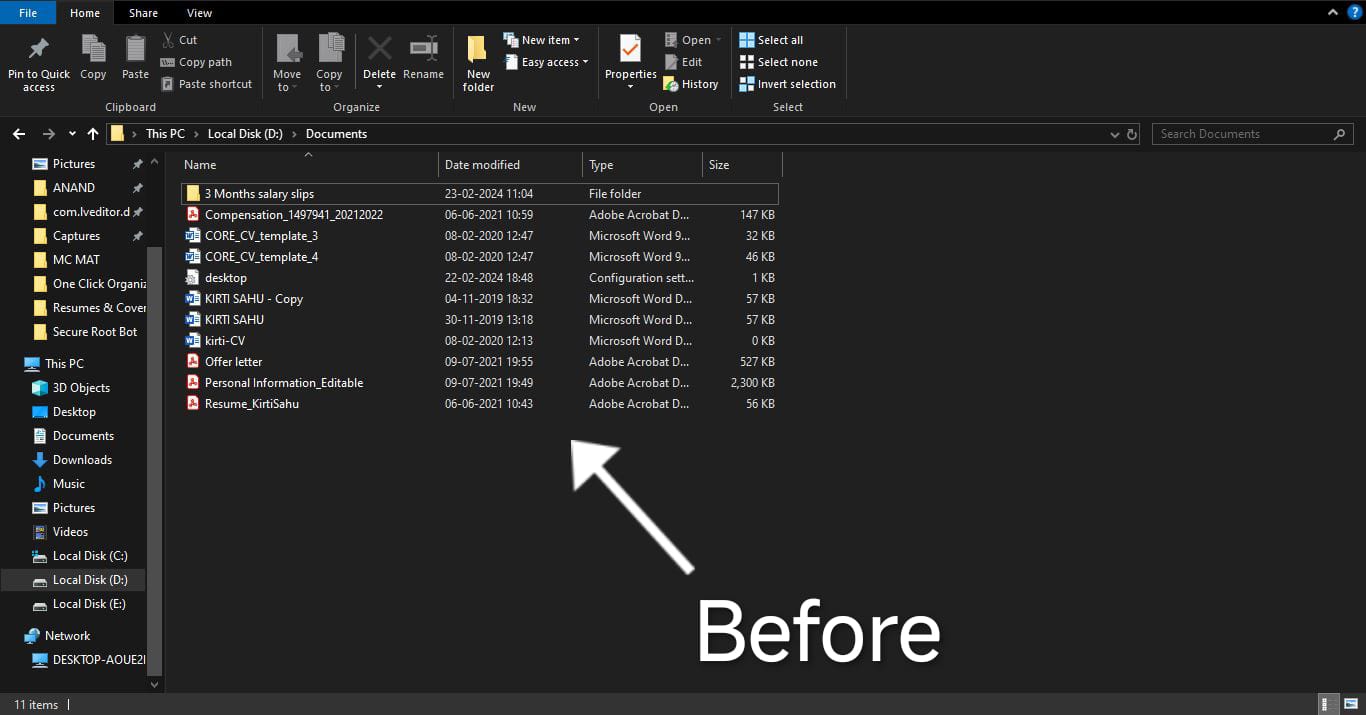.jpeg "Smart File Organizer Application")
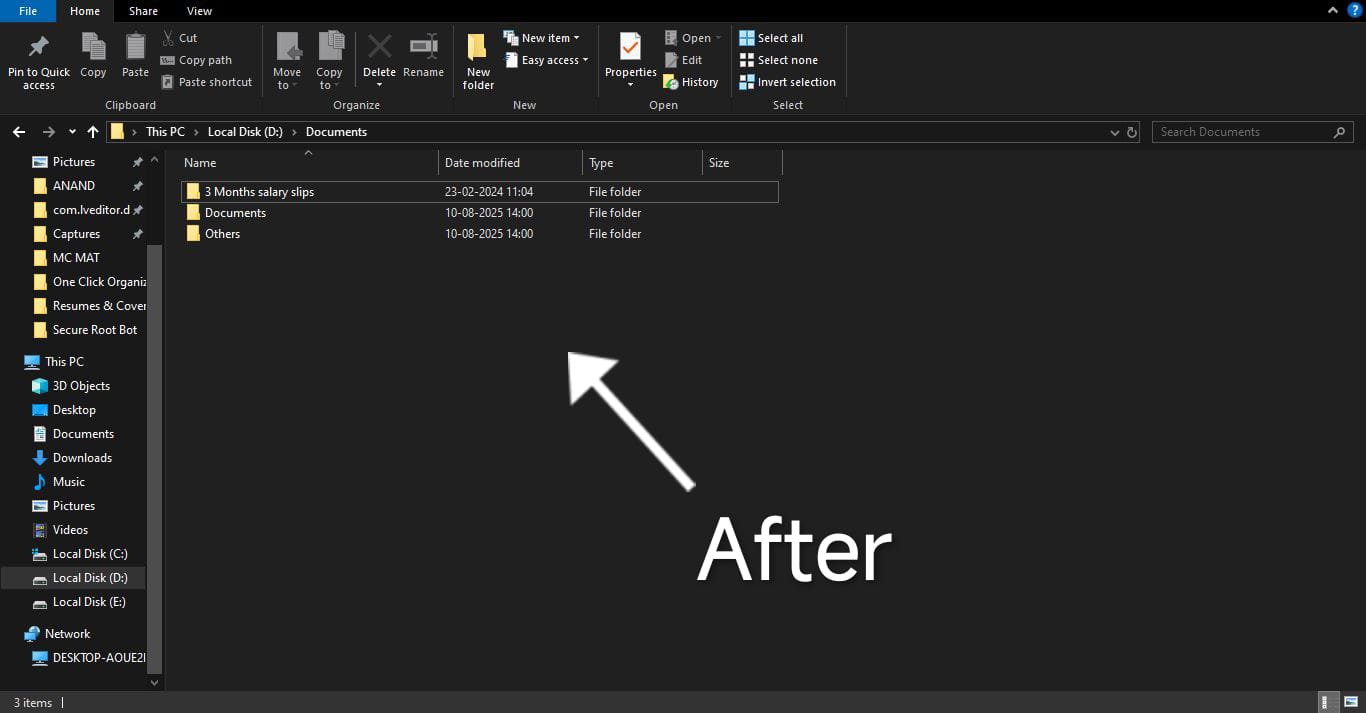.jpeg "Smart File Organizer Application")
Link to open source: https://github.com/gargi04sahu/Smart-File-Organizer-App.git
Link to Live Project: https://drive.google.com/file/d/1WPC59Gf4jrQe9lDRR1FJY9MU_pDqDBtd/view?usp=drive_link
Smart File Organizer 🗂️
A one-click intelligent file organizer that helps you clean and categorize any folder instantly using a beautiful GUI. Choose a target folder and let the app organize your files by type—fast, clean, and effortless.
📌 How It Works -
Smart File Organizer lets users select any folder and instantly organizes files into categorized subfolders (like Documents, Images, Videos, etc.) based on their file extensions. It uses an intuitive Tkinter-based GUI with a dark mode toggle and undo functionality to enhance user experience.
🚀 Features -
📁 Organize any folder (not just Downloads)
🌙 Dark mode toggle (like Flipkart)
🔁 Undo last file organization
📊 Preview & total files moved info
💻 Clean and simple interface
📦 Supports common file types (images, docs, zips, installers, etc.)
🛠️ How to Run -
A. If you have Python installed :
1. Clone or download the repository.
2. Make sure Python is installed.
3. Run the app:
```bash
python main.py
B. Now if you do not have Python installed :
1. Don't worry! Just click on the ".exe" file and download it.
2. After successfully downloading, you can easily use the features of this application.
Here's the drive link- https://drive.google.com/file/d/1WPC59Gf4jrQe9lDRR1FJY9MU_pDqDBtd/view?usp=drive_link
