SSHFlow — All-in-One SSH Client for Developers
Link to Live Project: https://sshflow.com
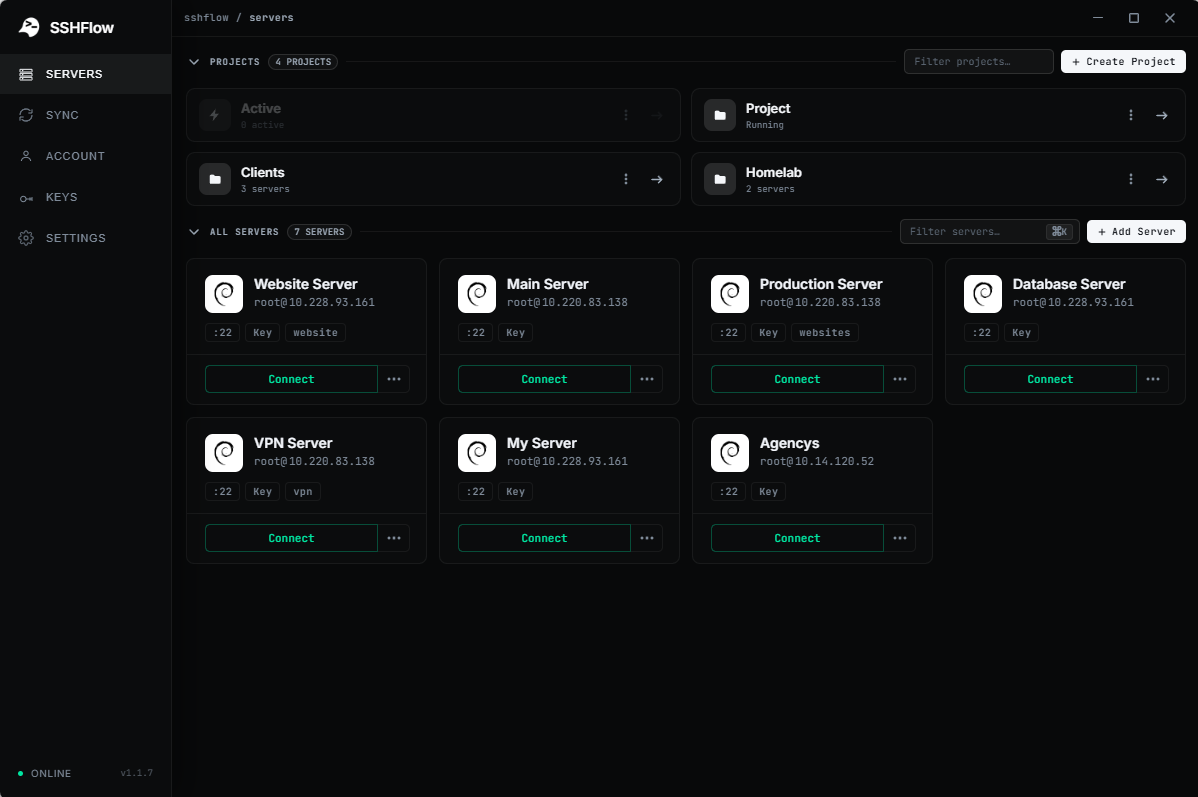
SSHFlow — Every Server Has Its Own Workspace
SSHFlow is a desktop SSH client built to make remote server management simpler, faster, and more organized.
Traditional SSH workflows often require switching between multiple applications: a terminal for running commands, an SFTP client for transferring files, a code editor for making changes, and separate tools for monitoring server performance.
I built SSHFlow to bring these workflows together in one application.
What makes SSHFlow different?
Instead of treating servers as terminal tabs, SSHFlow gives every server its own dedicated workspace. Each workspace keeps the tools and context associated with that server together.
Key Features
-
SSH Terminal: Open multiple terminal sessions within the same server workspace.
-
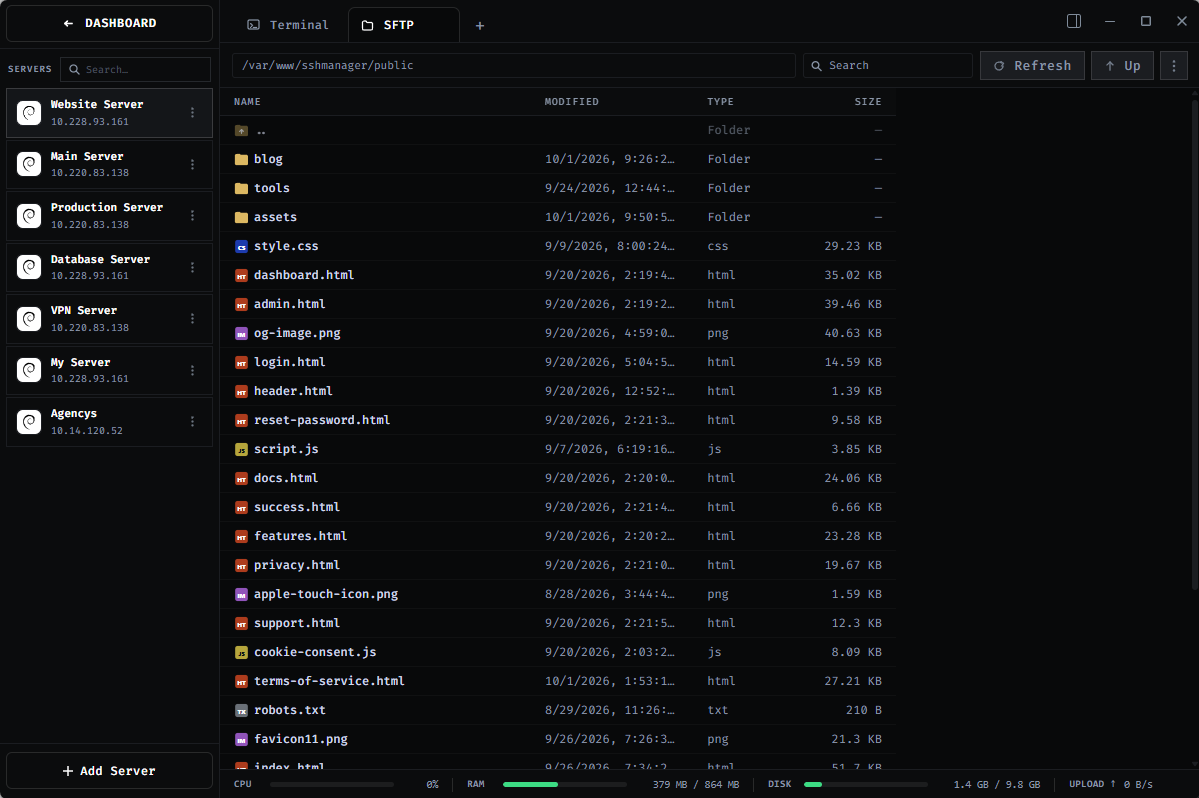
SFTP File Manager: Browse, upload, download, and manage remote files.
-
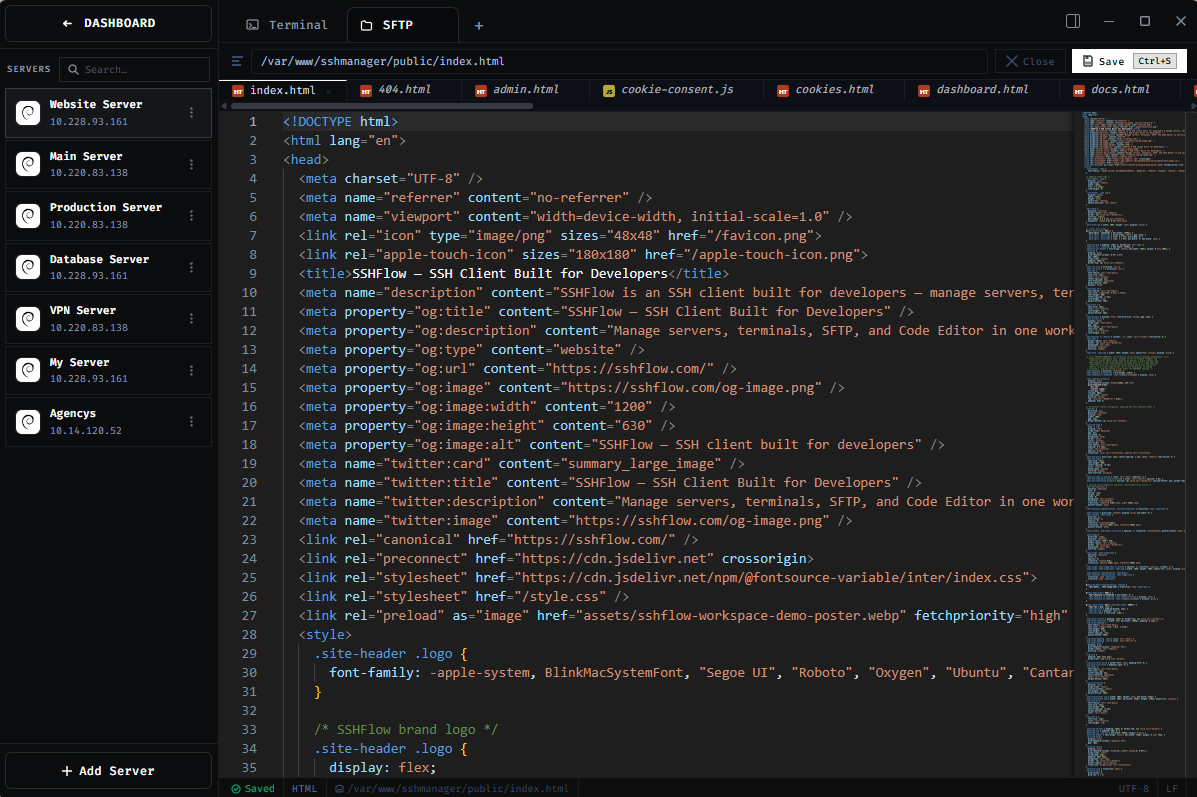
Integrated Code Editor: Edit remote files directly without switching applications.
-
Server Monitoring: View CPU, RAM, disk usage, and server information.
-
Server Organization: Manage multiple connections through dedicated workspaces.
-
Security-Focused: Keep SSH credentials and private keys stored locally by default.
Technology Stack
SSHFlow is built with Electron, Node.js, SSH2, xterm.js, and Monaco Editor.
Why I Built It
I wanted server management to feel like working inside a dedicated development environment rather than constantly switching between disconnected tools.
SSHFlow is my attempt to make that experience possible.
The application is currently available for Windows, with macOS and Linux support planned.
Website: https://sshflow.com
I'm actively improving SSHFlow and welcome feedback from developers, VPS owners, and anyone who regularly works with remote servers.
