Compyle AI - Multi LLM Chat Web App
Link to open source: https://github.com/sarwanupadhyay/Compyle.git
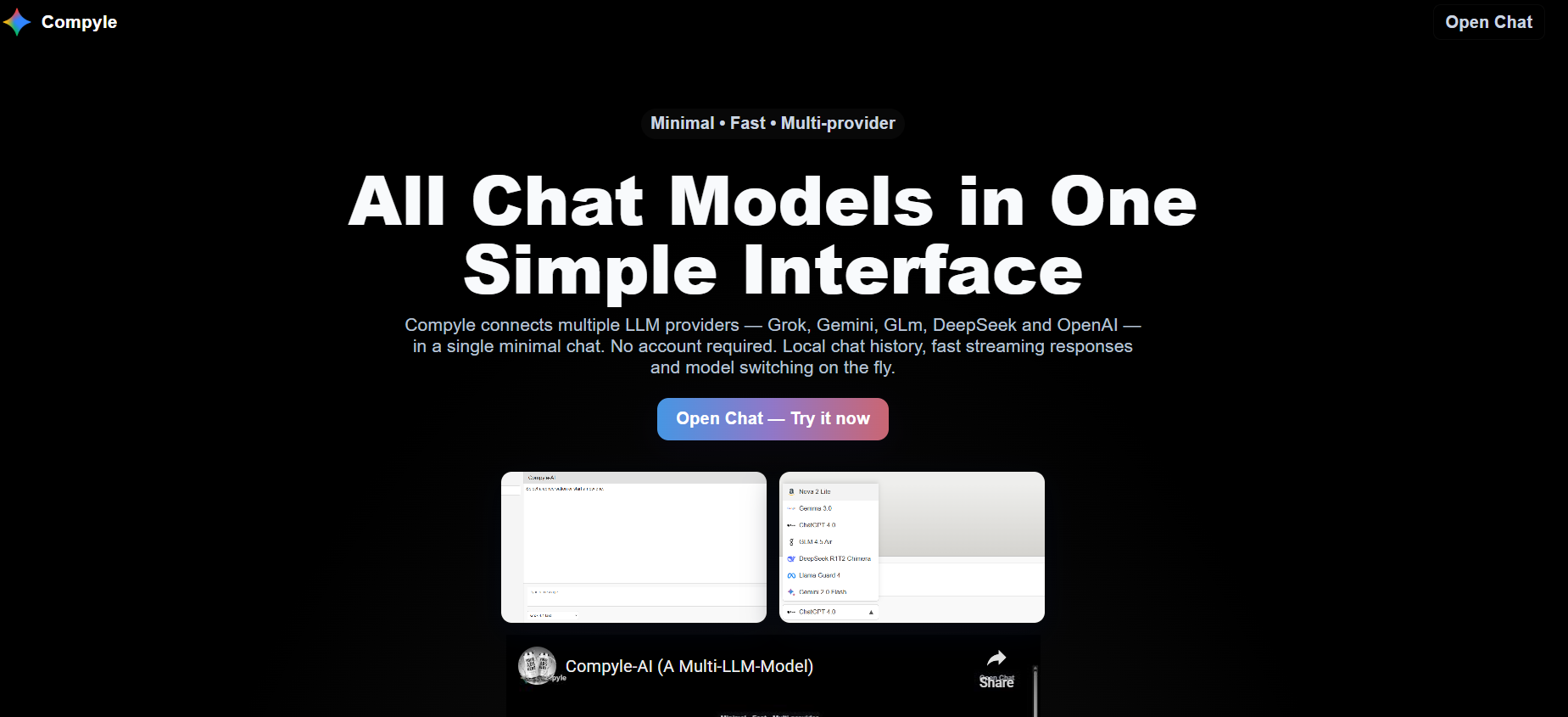
A lightweight, local-first web application for chatting with multiple large-language models via OpenRouter. No signups, no accounts, just your conversation history, stored locally in your browser.
- Local-First: All conversation history is stored in your browser'''s localStorage. No data is stored on the server.
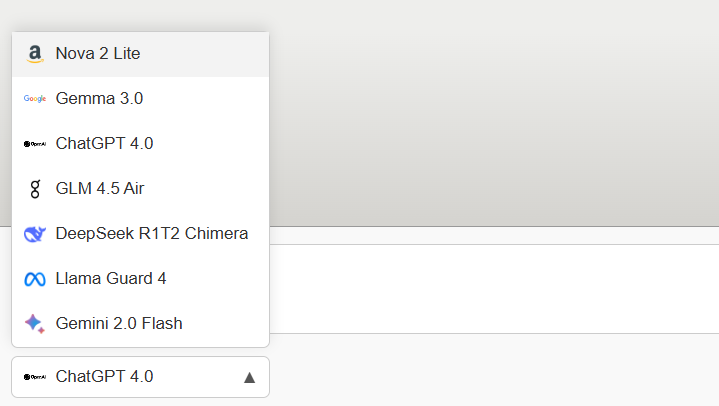
- Multi-Model: Switch between different LLM providers and models (OpenAI, Anthropic, Gemini, etc.) mid-conversation.
- Streaming Responses: See the AI'''s response in real-time as it'''s being generated.
- No Authentication: Start chatting immediately without needing an account.
- Minimalist UI: A clean, simple, and responsive chat interface.
- Frontend: React (Vite)
- Backend: Node.js (Express)
-
Clone the repository:
git clone <repository-url>
cd Compyle
-
Install backend dependencies:
cd backend npm install -
Install frontend dependencies:
cd ../frontend npm install -
Configure Environment Variables:
- In the
/backenddirectory, copy the.env.examplefile to a new file named.env. - Open the
.envfile and add your OpenRouter API key:OPENROUTER_API_KEY=your_secret_key_here
- In the
You need to run both the backend and frontend servers simultaneously in separate terminal windows.
-
Run the backend server:
cd backend
npm run dev
The backend will typically run on
http://localhost:3001. -
Run the frontend server:
cd frontend
npm run dev
The frontend will be available at
http://localhost:5173(or another port specified by Vite).
IMPORTANT: Your OPENROUTER_API_KEY is a secret and should never be exposed in the frontend code. This application is designed to keep the key secure on the backend. Do not commit your .env file to version control.

