
Hey Tensors,
To streamline our upcoming ML Study Jams Day 9 Workshop, please follow these steps beforehand:
1. Sign up for an account on MongoDB Atlas and keep your username, password, and connection string ready.
- Build a Cluster: Choose the M0 tier.
- Create a Database: Set up with a username and password (make sure to copy these) and click on Create User.
- Whitelist: Add `localhost 127.0.0.1` to your whitelist.
- Initialization: Wait for the cluster to initialize, then finish and close.
Helpful Documentation:
- Cluster Setup Guide: https://www.mongodb.com/docs/guides/atlas/cluster
- Atlas Documentation: https://www.mongodb.com/docs/atlas
- Connection String Guide: https://www.mongodb.com/docs/guides/atlas/connection-string
2. Prepare a HuggingFace Token with write permissions.
We will add them in the Colab notebook as secrets later during the workshop. This would help the workshop; we can jump directly into the “fun” part without worrying about the credentials.
See you tomorrow!
10:53 AM Friday, 12th Jul, 2024
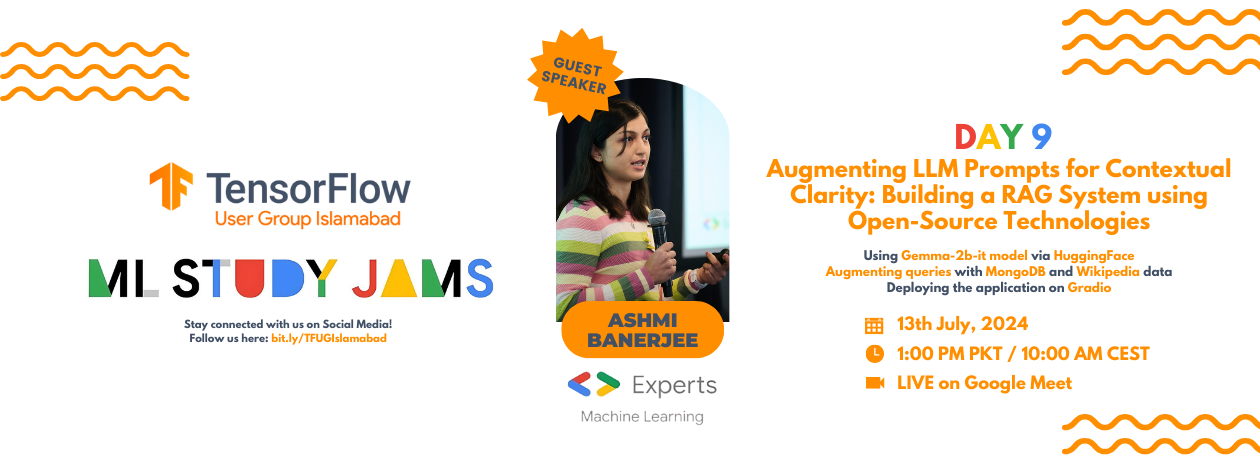
Join us for Day 9 of ML Study Jams!
🗣 Guest Speaker: Ashmi Banerjee
(Google Developer Expert in Machine Learning)
🔓 Title: Augmenting LLM Prompts for Contextual Clarity: Building a RAG System using Open-Source Technologies
🔍 Topics:
1. Using Gemma-2b-it model via HuggingFace.
2. Augmenting queries with MongoDB and Wikipedia data.
3. Deploying the application on Gradio.
📅 Date: 13th July 2024
⏰ Time: 1:00 PM PKT / 10:00 AM CEST
📍 Venue: Google Meet
🔓 Don’t miss this opportunity to master leveraging a RAG (Retrieval-Augmented Generation) system with Gemma and MongoDB! Join us for an insightful conversation on grounding LLMs with accurate, up-to-date information from external knowledge bases, and enhance your understanding of the LLMs’ generative process with expert insights and practical applications.
Stay connected with our WhatsApp Community for more updates and future events:
chat.whatsapp.com/IVt3wH5Avq3DxwLnMHcDyy
Follow us on our other Social Media channels:


