Run the App

Now, We can start the server for making API calls. 

node server.js


Once you run "node server.js" in your terminal, your server gets started, and you are ready to make API calls. The server.js file contains the code that initializes and configures your server, setting it up to listen for incoming requests. By executing this command, you kickstart the server, and it begins actively listening for API requests on the designated port.

Finally, Navigate to http://localhost:3000 You will able to see the Signup page.
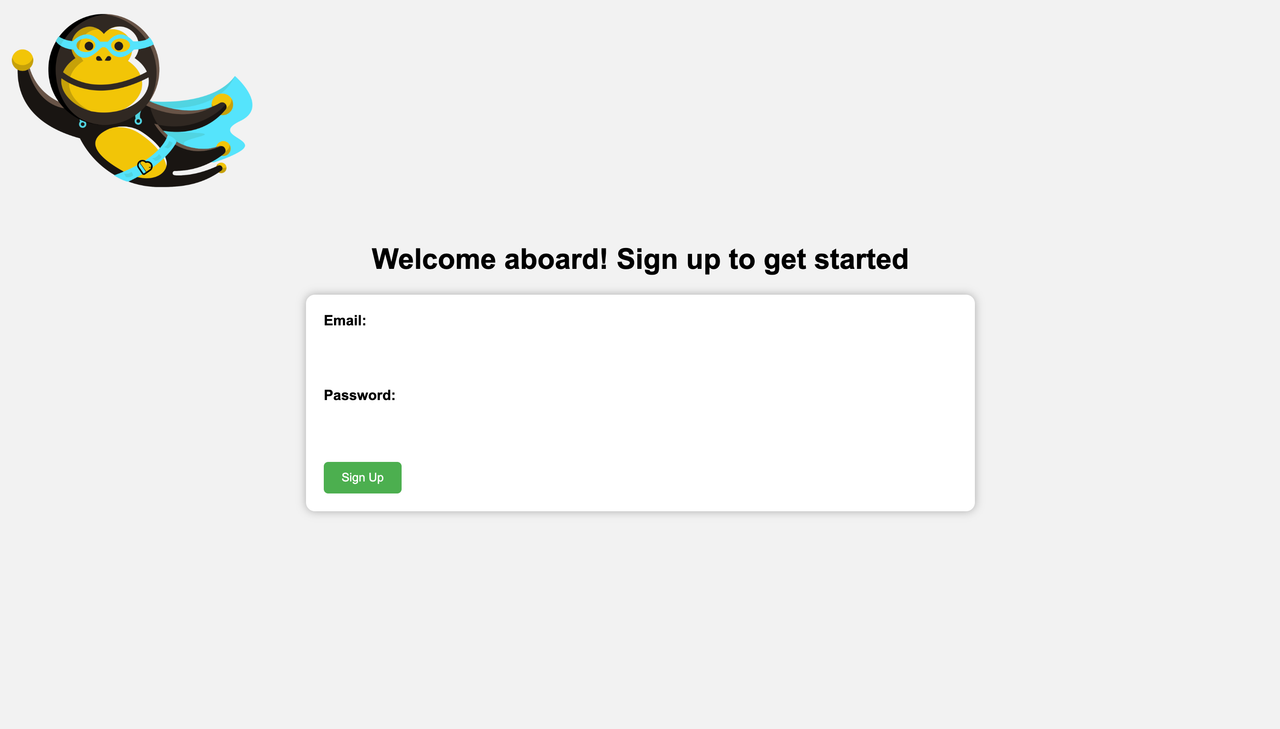
account-signup.png
Note: The authentication module mentioned in this project is provided solely as a recommendation for the project structure. While we highly encourage its use and integration according to your architecture pattern.


Note: If you are looking for a guide in Go lang please find it here.
Discussion
Thanks, @arpansac for the feedback. I have addressed all the feedback in the new version. Let me know if anything needs to be added.

Super thanks for submitting this Sohail! Some tips before we can publish this lab: 1. Title can be changed to something simple to understand or in terms of what problem is it solving. Example: Add email authentication to your web app in 5 minutes! (adding brand name directly in the title might push the readers away) 2. In Overview: Begin with what problem do people face and why do they face it. Tell them there's a very interesting online service by ApyHub which helps solve it and is free (only if it is):P 3. Step 2: Give links to download

1

4. Step 3: Give a screenshot of the api key dashboard, right now we can see only the login page 5. Step 5: Just give a brief hint of what all dependencies got installed with npm install 6. Step 6: You could highlight the place where secret token needs to be replaced with some *********HERE******** type of comment above it. It took me a while to find it :P 7. Step 7. You could actually put in a gif showing how smoothly it works (however this gif could be a part of the main header image in overview) 8. Instead of 'Use Cases' (it frankly feels like a robot writing it:P), you could say, what more can you solve with this? 9. Finally, you could create one more step giving links to your top 5 favority Apyhub API's And finally finally, in each step, at the end, you could say what the next step would be about :)

2

11

3