
Bridging the Web and Cloud: Building Scalable and Intelligent Web Applications

published by Alok Kumar
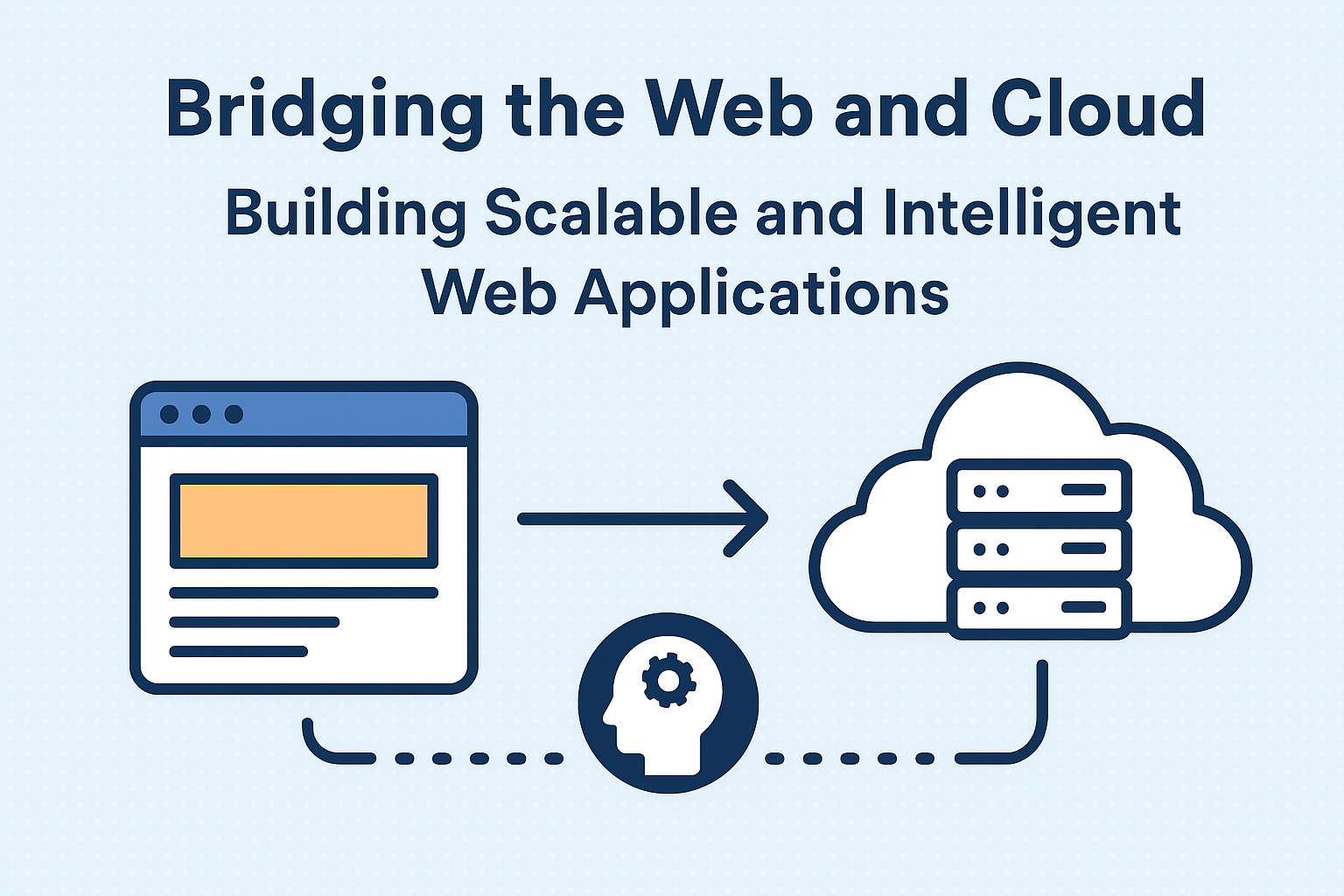
Lab: Bridging the Web and Cloud – Building a Scalable and Intelligent Web Application
Objective
In this lab, you’ll build a full-stack cloud-powered web app that connects a React frontend, a Flask backend API, and deploys it using Google Cloud Run (serverless infrastructure).
You’ll also integrate a Firebase database and Cloud CDN for scalability and performance.
Architecture Overview

Step 1: Set Up the Project Structure
Step 2: Frontend – React App (Client-Side Rendering)
Create React App
Example App.js
Step 3: Backend – Flask API
Install dependencies
cd ../../backend
python -m venv venv
source venv/bin/activate # (or venv\Scripts\activate on Windows)
pip install flask flask-cors firebase-admin
Create app.py
Example Firestore Document
Step 4: Deploy Flask API to Google Cloud Run
1. Create Dockerfile
2. Build & Deploy
gcloud builds submit --tag gcr.io/<PROJECT_ID>/webcloud-api
gcloud run deploy webcloud-api --image gcr.io/<PROJECT_ID>/webcloud-api --platform managed --allow-unauthenticated
Copy the deployed Cloud Run URL and use it in your React frontend fetch API.
Step 5: Deploy React Frontend to Firebase Hosting
Now your frontend is live with a global CDN and connected to a serverless backend!
Step 6: Add Security & Monitoring
-
Enable HTTPS via Firebase or Cloudflare.
-
Use Google Cloud Monitoring for API logs.
-
Set IAM Roles in GCP for restricted API access.
-
Add an API Gateway if exposing multiple services.
Step 7: Test & Scale
Try simulating traffic using tools like k6 or Postman.
Cloud Run will automatically scale based on load.
Step 8: (Optional) Add AI Power
You can integrate Google Vertex AI, OpenAI API, or Firebase ML Kit to make your app intelligent.
Example — Chatbot Route in Flask:
Final Output
Frontend (Firebase Hosting):https://your-firebase-app.web.app
Backend (Cloud Run):https://webcloud-api-xyz.a.run.app/run-data
Database (Firebase Firestore):
Stores app data dynamically.
Learning Outcomes
By completing this lab, you learned:
-
How to integrate a React frontend with a Flask backend.
-
How to deploy backend on Google Cloud Run (serverless).
-
How to host frontend with Firebase Hosting + CDN.
-
How to connect with Firebase Firestore database.
-
How to apply security, scaling, and monitoring practices.
Conclusion
This lab bridges Web Rendering and Cloud Infrastructure, empowering developers to create apps that are scalable, intelligent, and global-ready.
The same approach can be extended for AI-driven, multi-cloud, or edge computing projects.
The future isn’t Web or Cloud . it’s the harmony between both.
Alok Kumar
2