
Backup Recovery Phrase
Your crypto is not stored on the device, but on the blockchain.
➡️ Without phrase, your crypto is permanently lost.
Whoever has the backup phrase:
- Fully controls the wallet
- Can send or withdraw funds
⚠️ It is the ultimate key — not your password or PIN
🔐 Main Uses of a Backup Phrase
1️⃣ Restore Your Wallet
2️⃣ Access Your Funds Anytime, Anywhere
3️⃣ Proof of Ownership
4️⃣ Wallet Migration
If you:
- Lose your device
- Delete the Trust Wallet Extension
- Change or reset your device
You can recover your entire wallet by entering the backup phrase during wallet setup.
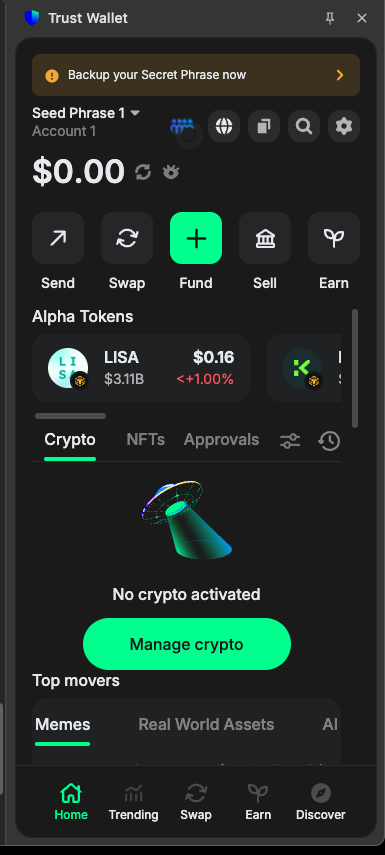
Click on card : Backup your Secret Phrase now (showing on Top )
-
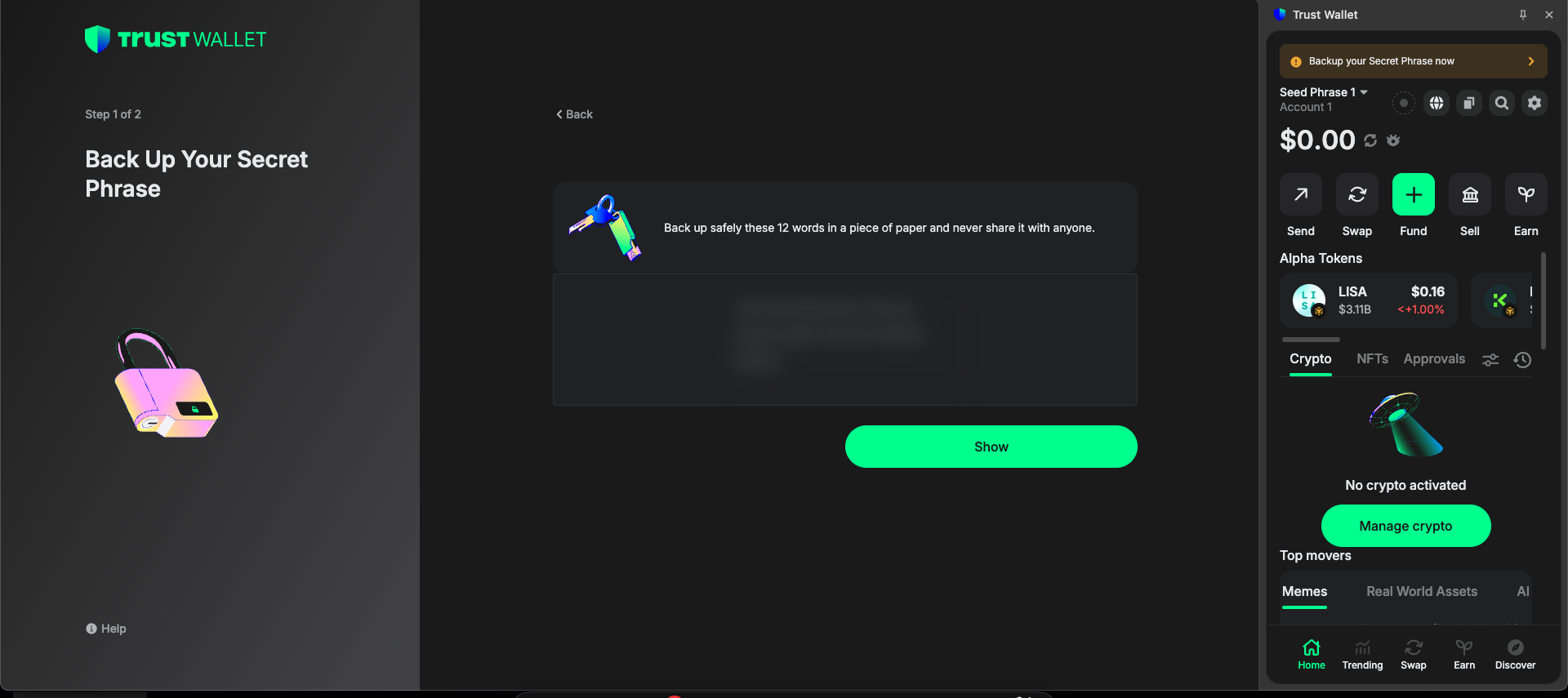
You’ll get a 12-word Secret Recovery Phrase
-
Click on Show Button & Write it down offline
-
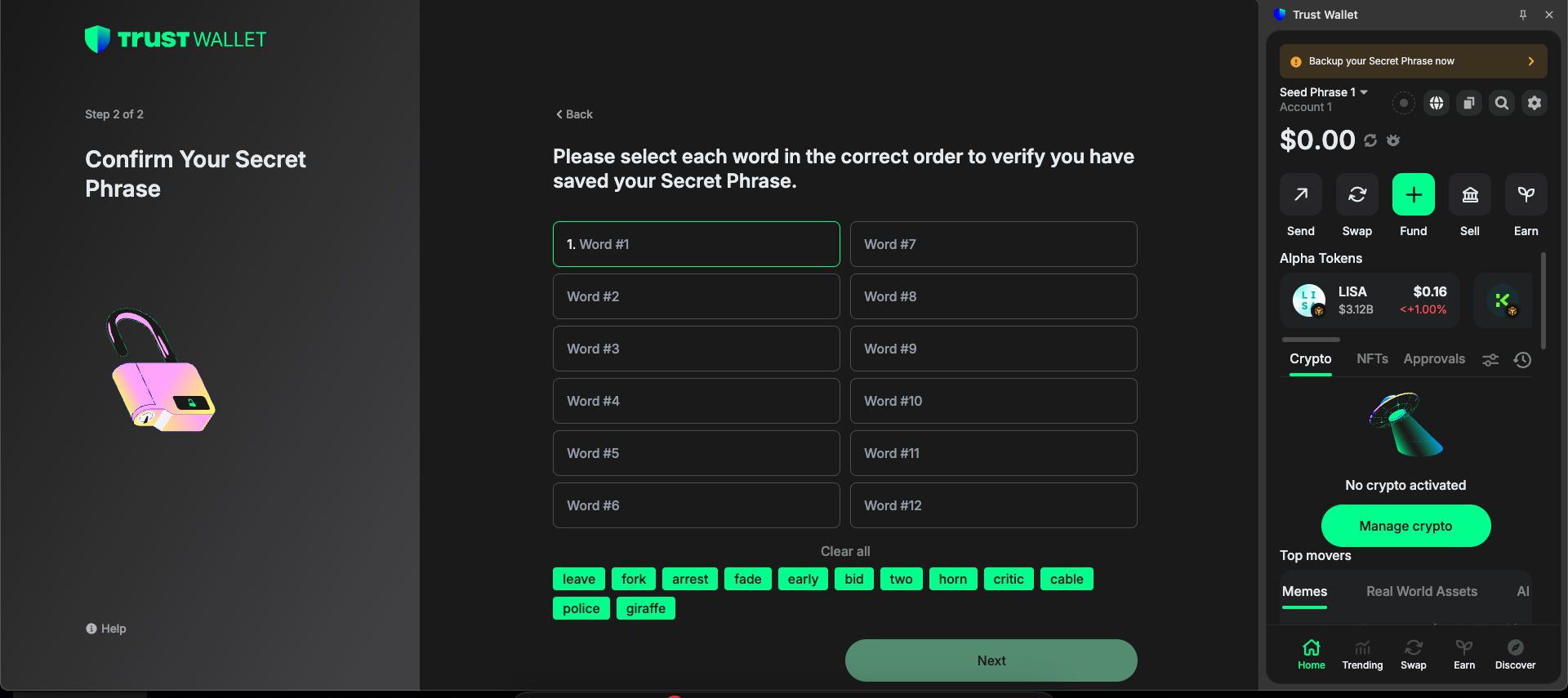
Confirm the phrase
-
Click on Next
- Now You See Your Wallet
4