
Creating Virtual Accounts as a Wallet using Zwitch APIs

published by Siddhant Agarwal Aug 11, 2021
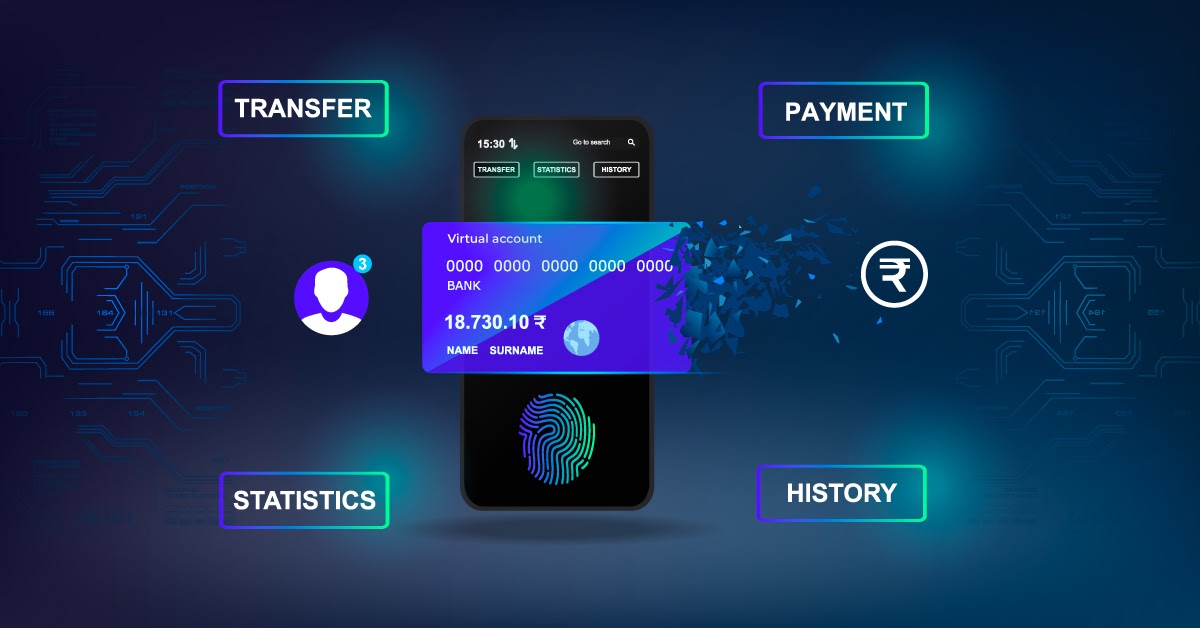
Zwitch is an embedded finance platform that helps businesses create new avenues by embedding financial services in their products using our Banking APIs. You can embed different financial services such as digital banking & cards, lending, KYC, bank account verification, wallets, domestic & international payments and many more.

This codelab gives you a hands-on walkthrough to create virtual accounts that can be used as interoperable wallets. You will use Zwitch APIs to create a virtual account with VPA handle on the fly and load money to this virtual account.
What you'll learn
- What are Virtual Accounts?
- What is the Virtual Account Number (VAN) structure using Zwitch APIs?
- What are the Virtual Account modes?
- How to create a Virtual Account as a wallet?
What you'll build
In this codelab, you'll build a simple virtual account as a wallet. When you use a virtual account as a wallet, the customer can load the money to its virtual account via NEFT/RTGS/IMPS/UPI & use it to do transactions on the website. The merchants can use these wallets to transfer refunds to their customers instead of transferring them to their primary bank account.
What you'll need
- Access to Zwitch Sandbox Dashboard (no credit card required, available for free in test mode)

- Click ‘Manage Keys’ on the Launchpad to generate your test access and secret keys to perform this lab

4