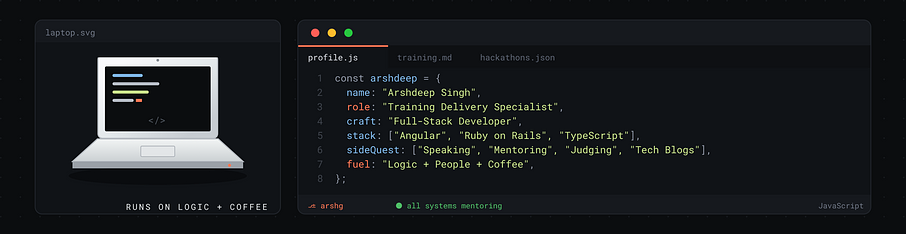

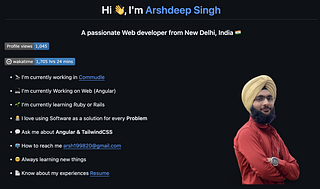
Arshdeep Singh
@arshdeepgrover
Training Delivery Specialist @ Google Ops | Full-Stack Engineer | Open Source Contributor | Mentor, Judge & Speaker
New Delhi, Delhi, India
Lead Software Developer
Commudle · New Delhi, India
• Developed and maintained features for Commudle's software platform, focusing on enhancing user experience and functionality. • Collaborated with cross-functional teams to design and implement scalable solutions, adhering to industry best practices and standards. • Contributed to the improvement of development processes, such as code reviews, automated testing, and continuous integration, resulting in increased efficiency and product quality.
Software Developer
Commudle · New Delhi, India
• Developed and maintained features for Commudle's software platform, focusing on enhancing user experience and functionality. • Collaborated with cross-functional teams to design and implement scalable solutions, adhering to industry best practices and standards. • Contributed to the improvement of development processes, such as code reviews, automated testing, and continuous integration, resulting in increased efficiency and product quality.
Software Developer - Intern
Commudle · New Delhi
• Developed and maintained features for Commudle's software platform, focusing on enhancing user experience and functionality. • Collaborated with cross-functional teams to design and implement scalable solutions, adhering to industry best practices and standards. • Contributed to the improvement of development processes, such as code reviews, automated testing, and continuous integration, resulting in increased efficiency and product quality.
Technical Support Executive
Netplus Broadband PVT LTD. · Ludhiana, Punjab
Key responsibilities during my job were - • Troubleshoot ISP's servers. • Managing Team. • Helping to maintain data.
Social Media handler
BBSBEC · Sirhind, Punjab
I am working as a Digital media handler and also work with the team of Digital marketing.
TA (Teaching Assistant) - Internship
Coding Ninjas · New Delhi
Key responsibilities during the internship were - • Taking doubt sessions • Debugging codes • Helping students with their assignments & various projects.




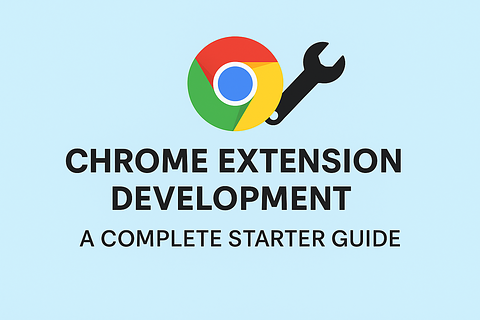
🚀 How to Build a Local Chrome Extension: Step-by-Step Starter Guide 🌟
Developing a Chrome extension lets you customize browsing or test new features. Before publishing to the Chrome Web Store, you can run and test your extension locally, including those requiring permissions. This guide covers local setup and testing, with a code example using permissions and host permissions. Prerequisites Ensure you have: A Chrome extension with necessary files (manifest.json, JavaScript, HTML/CSS, and icons). Google Chrome browser installed. Basic understanding of your extension’s functionality.
42

🔥 How to Add Google Authentication to Your Angular App: A Step-by-Step Guide 🚀
Angular Version 14+ is needed (If your current version is lower. Upgrade link: https://update.angular.io/). Let's integrate Google Authentication into your Angular project/application: If you already possess an existing project, kindly proceed to step 1. Otherwise, follow these instructions to create a new Angular project: open project:- Project structure should be like this:-
16






Commudle Developer Network
11569 members

.png "CDN: Data Structures and Algorithms")
CDN: Data Structures and Algorithms
2347 members

Meerut Coders
357 members
.png "GDG New Delhi")
GDG New Delhi
61433 members

GDG Cloud New Delhi
54408 members

AI Community Delhi
5693 members