Commudle
Commudle
CommunitiesEventsHacksBuildsExplore
Cover image
ABHIJEET CHATTERJEE 19BCE10021

ABHIJEET CHATTERJEE 19BCE10021

@godSpeed

Web Developer

India

0 Followers 0 Following
About Labs About
Web Team DSC-VIT Bhopal. Mentor at GSSOC'21 An aspiring computer science student. Web developer || Flask Backend Developer || Data Analysis & Visualization.

Labs
How to setup a React Native App

How to setup a React Native App

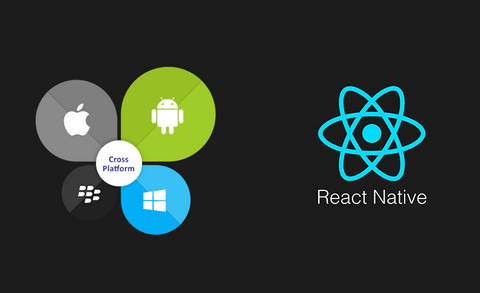
React Native is one of the most used frameworks for cross-platform mobile apps development along side Flutter. So we will see how to setup a basic React Native Project. Step 1- NodeJS setup-: You can go to this link-: https://nodejs.org/en/download/ It will lead you to this page and from here you can download the version you want. It will down load the installer on your System. Once you have downloaded the setup file, run the setup file and install NodeJS. Once the installation is complete. Go to command Prompt-: Win+R -> type cmd -> Press Enter. In the command prompt type-: node -v npm -v   It will return the versions of the node and npm installed on system. If you get something like '' node command not found '' , try re-instaling Node.  

6

Commudle
Google for Startups 2022Commudle is gdpr compliantCommudle is Iso 27001

Platform, Account & Company

  • Home
  • About
  • Features
  • Documentation
  • Hackathon Management Platform
  • Paid Ticketing
  • Brand Guidelines
  • Contact Us
  • Login
  • Create Account

Community & Events

  • Communities
  • Events
  • Hackathons
  • Speakers
    • Call for Speakers
  • Experts
  • Jobs

For DevRel Teams

  • Developer Ecosystem Blueprint
  • For DevRel Agencies
  • Experts Program
  • Case Studies

Learning & Content

  • Labs
  • Builds
  • Newsletters
  • Blogs

Pricing & Plans

  • Pricing
  • Student Community Plan
  • Non-Profit Community Plan

Legal, Policies & Trust

  • Privacy Policy
  • Terms and Conditions
  • Refund & Cancellation Policy
  • All Policies
  • Compliances

Made with Angular, Ruby on Rails, Postgres, Redis and Love